
Every dollar spent on idle servers is a dollar that could fund growth, innovation, or talent. For many businesses, that drain is invisible—buried in utility bills, hardware refresh cycles, and IT overhead. Virtualization technology changes that equation entirely.
By abstracting physical hardware into flexible, software-defined environments, virtualization technology allows organizations to run multiple workloads on fewer machines, deploy resources on demand, and cut the operational fat that slows down modern IT teams. The result? Lower costs, stronger performance, and infrastructure that actually scales with the business.
This post breaks down exactly how virtualization technology delivers on those promises—covering the core mechanics, the financial impact, the performance gains, and what to consider before rolling it out in your organization.
What Is Virtualization Technology, and How Does It Work?
At its core, virtualization technology creates a software-based layer—called a hypervisor—that sits between physical hardware and the operating systems running on top of it. This hypervisor divides one physical machine into multiple virtual machines (VMs), each operating independently with its own CPU allocation, memory, and storage.
There are several types of virtualization worth understanding:
- Server virtualization consolidates multiple servers onto a single physical host, reducing hardware sprawl.
- Storage virtualization pools physical storage from multiple devices into a single, manageable resource.
- Network virtualization abstracts network resources to improve traffic management and security.
- Desktop virtualization centralizes desktop environments on a server, allowing remote access from any endpoint.
Each type addresses a different layer of the IT stack, but all share the same fundamental benefit: doing more with less.
How Virtualization Technology Drives Down Costs
 The cost reduction from virtualization technology isn’t marginal—it’s structural. Organizations that virtualize their infrastructure typically see savings across several categories simultaneously.
Reduced Hardware Expenditure
Traditional IT environments operate at notoriously low server utilization rates. Without virtualization, physical servers often run at 10–15% of their total capacity, meaning businesses are paying for hardware that sits idle the vast majority of the time. Virtualization technology consolidates those underutilized machines, allowing a single physical server to handle workloads that previously required five, ten, or even twenty separate systems.
Fewer physical machines means lower upfront capital expenditure, fewer hardware refresh cycles, and reduced spending on physical data center solutions like rack space, cabling, and cooling infrastructure.
Lower Energy and Cooling Costs
Data centers are notoriously energy-intensive. Servers draw power around the clock, and every server generates heat that demands cooling. When virtualization technology reduces the total number of physical machines in a data center, the energy bill drops accordingly. Organizations that consolidate server fleets have reported significant reductions in power consumption—savings that compound over time and contribute directly to sustainability goals.
Streamlined IT Management
Managing a sprawling estate of physical servers is labor-intensive. Each machine requires individual patching, monitoring, maintenance, and, eventually, decommissioning. Virtualization technology centralizes management through platforms like VMware vSphere, Microsoft Hyper-V, and open-source solutions like Proxmox. IT teams can provision, configure, migrate, and retire virtual machines from a single interface—tasks that once took hours now take minutes.
For organizations relying on custom IT solutions, this centralized control is particularly valuable. It allows IT teams to tailor resource allocation precisely to business needs without requiring additional hardware procurement every time requirements shift.
Reduced Disaster Recovery Costs
Physical disaster recovery setups traditionally require duplicate hardware sitting in a secondary location, powered on and waiting for a failure that may never come. Virtualization technology replaces that expensive redundancy with snapshot-based backups and rapid VM replication. In the event of a failure, virtual machines can be restored or migrated to alternate hosts in minutes—without the overhead of maintaining identical physical infrastructure.
Performance Benefits of Virtualization Technology
Cost savings are compelling, but virtualization technology also delivers measurable performance improvements that translate directly into business agility.
Dynamic Resource Allocation
One of the most powerful capabilities of modern virtualization platforms is live resource management. If a particular application experiences a spike in demand, the hypervisor can allocate additional CPU cores or memory to that virtual machine on the fly—without downtime, without manual intervention. This elasticity means workloads get the resources they need exactly when they need them, rather than being constrained by fixed hardware configurations.
Faster Deployment and Scalability
Spinning up a new physical server takes days or weeks—ordering hardware, receiving delivery, racking, cabling, configuring. Provisioning a new virtual machine takes minutes. For businesses pursuing custom IT solutions, this speed is transformative. Development environments, testing platforms, and new application deployments can be stood up and torn down rapidly, accelerating project timelines and reducing time-to-market.
This scalability also integrates naturally with IT cloud solutions. Hybrid architectures allow organizations to burst workloads to cloud environments during peak demand, then pull resources back to on-premise infrastructure when demand subsides. The result is a flexible, cost-controlled environment that responds to real-world usage rather than worst-case capacity planning.
Improved Uptime and Business Continuity
Virtualization technology fundamentally changes how organizations approach uptime. Features like live migration allow virtual machines to move between physical hosts without any interruption to the workloads running on them. If a physical server requires maintenance or experiences a fault, its VMs can be evacuated to other hosts automatically. Planned downtime—once a regular disruption for IT teams—becomes largely unnecessary.
High-availability clustering takes this further, ensuring that if a physical host fails unexpectedly, virtual machines restart on surviving hosts within seconds. For businesses where downtime carries a direct financial cost, this resilience is a significant operational advantage.
Better Workload Isolation and Security
Physical servers running multiple applications face a risk of resource contention—one demanding application can starve others of CPU or memory. Virtualization technology enforces strict isolation between VMs, ensuring workloads don’t interfere with each other. Each VM operates within defined resource boundaries, delivering consistent, predictable performance regardless of what other workloads are doing on the same host.
From a security perspective, this isolation limits the blast radius of any incident. A compromised VM can be quarantined, snapshotted for forensic analysis, and restored without affecting neighboring workloads—a level of containment that’s far harder to achieve on bare-metal infrastructure.
Virtualization Technology and Modern Data Center Solutions
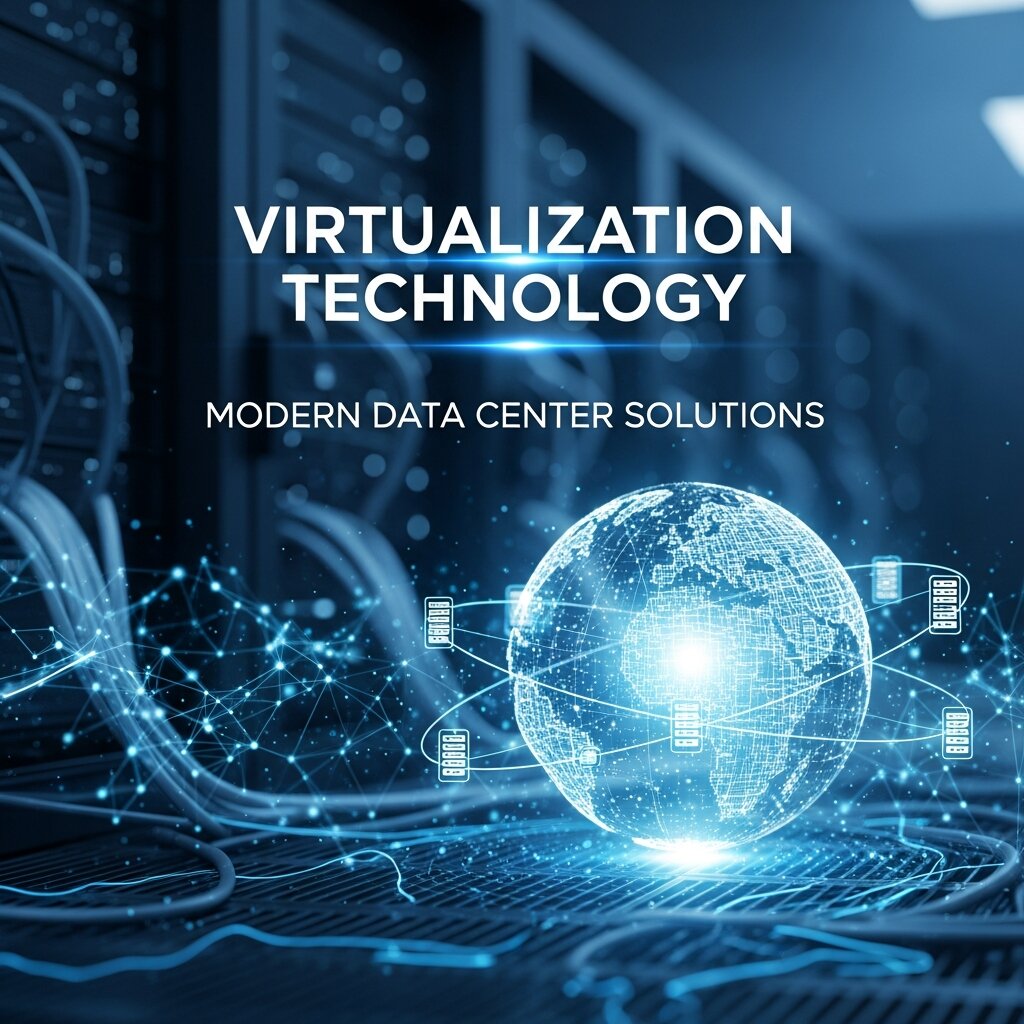 The shift toward virtualized infrastructure has redefined what modern data center solutions look like. Where data centers once housed row upon row of single-purpose physical servers, today’s environments are leaner, more flexible, and far more efficient. Software-defined networking, hyper-converged infrastructure, and containerization have all grown from the foundation that virtualization technology established.
For organizations evaluating or refreshing their data center strategy, virtualization is no longer optional—it’s the baseline. The question isn’t whether to virtualize, but how to optimize the virtualized environment to extract maximum value.
Vendors like VMware, Nutanix, and Microsoft have built mature ecosystems around virtualization technology, offering tools for capacity planning, performance monitoring, cost allocation, and policy-based automation. These platforms make it easier for IT teams to manage complexity at scale, even as the number of virtual machines and workloads continues to grow.
What to Consider Before Implementing Virtualization Technology
Virtualization technology delivers real benefits, but implementation requires thoughtful planning. Rushing into a virtualization project without understanding workload requirements, licensing costs, and skills gaps can undermine the expected returns.
Workload Suitability
Not every workload benefits equally from virtualization. Most standard business applications—web servers, file servers, email platforms, development environments—virtualize well. However, some latency-sensitive or I/O-intensive workloads may require dedicated hardware or careful tuning to perform optimally in a virtual environment. Conducting a workload assessment before migration prevents performance surprises post-deployment.
Licensing and Vendor Costs
Virtualization platforms themselves carry licensing costs that need to be factored into the ROI calculation. VMware’s licensing model, in particular, has undergone changes in recent years that have prompted some organizations to evaluate alternatives. Open-source options like Proxmox VE offer capable virtualization without commercial licensing fees, which may suit smaller organizations or those pursuing lean custom IT solutions.
Skills and Training
A virtualized environment is only as well-managed as the team responsible for it. Investing in training and certifications—whether VMware VCP, Microsoft MCSE, or platform-specific credentials—ensures IT staff can configure, monitor, and optimize the environment effectively. Gaps in expertise can offset efficiency gains quickly.
Integration with Cloud Strategy
For organizations already using or planning to adopt IT cloud solutions, virtualization technology should align with the broader cloud architecture. Hybrid cloud environments that connect on-premise virtualized infrastructure with public cloud platforms like AWS, Azure, or Google Cloud offer flexibility and redundancy—but require consistent tooling, networking, and identity management to function smoothly.
Frequently Asked Questions (FAQs)
1. What is virtualization technology?
Virtualization technology is a method of creating virtual versions of physical IT resources, such as servers, storage, networks, desktops, and operating systems. It allows multiple virtual machines (VMs) to run independently on a single physical server, improving resource utilization and operational efficiency.
2. What are the main benefits of virtualization technology?
Virtualization technology helps businesses reduce hardware costs, improve server utilization, lower energy consumption, simplify IT management, increase scalability, strengthen disaster recovery capabilities, and enhance overall infrastructure performance. It also provides greater flexibility for supporting business growth.
3. What are the different types of virtualization?
The most common types include:
- Server Virtualization – Consolidates multiple servers onto one physical machine.
- Storage Virtualization – Combines storage resources into a unified pool.
- Network Virtualization – Creates software-defined networks for better management.
- Desktop Virtualization – Delivers virtual desktops that users can access remotely.
- Application Virtualization – Runs applications independently from the underlying operating system.
4. How does virtualization reduce IT costs?
Virtualization minimizes the need for physical hardware by allowing multiple workloads to share a single server. This reduces hardware purchases, maintenance expenses, electricity usage, cooling requirements, rack space, and administrative overhead, leading to significant long-term cost savings.
5. Is virtualization technology the same as cloud computing?
No. Virtualization and cloud computing are closely related but not identical. Virtualization creates virtual resources from physical hardware, while cloud computing delivers those virtualized resources as on-demand services over the internet. Virtualization is one of the core technologies that powers modern cloud platforms.
6. Which businesses should implement virtualization technology?
Virtualization benefits organizations of all sizes, including small businesses, enterprises, educational institutions, healthcare providers, financial organizations, and government agencies. Any business looking to improve infrastructure efficiency, reduce costs, and simplify IT management can benefit from virtualization.
7. Does virtualization improve disaster recovery and business continuity?
Yes. Virtualization enables features such as virtual machine snapshots, automated backups, live migration, replication, and high-availability clustering. These capabilities help businesses recover quickly from hardware failures, cyberattacks, or unexpected outages while minimizing downtime.
8. Is virtualization technology secure?
When properly configured, virtualization technology offers strong security through workload isolation, access controls, network segmentation, encryption, and centralized management. Organizations should also apply regular security updates, monitor virtual environments, and follow cybersecurity best practices to maintain protection.
9. What should businesses consider before implementing virtualization?
Before deploying virtualization, organizations should evaluate workload compatibility, server capacity, storage performance, licensing costs, disaster recovery requirements, security policies, staff expertise, and integration with existing cloud or on-premises infrastructure. Proper planning ensures a successful implementation and maximizes return on investment.
10. What is the future of virtualization technology?
The future of virtualization includes deeper integration with hybrid cloud environments, edge computing, artificial intelligence (AI), container platforms like Kubernetes, software-defined data centers (SDDCs), and automated infrastructure management. As organizations continue their digital transformation, virtualization will remain a foundational technology for building scalable, agile, and cost-efficient IT environments.
The Compounding Value of Virtualization Technology
 The financial and performance case for virtualization technology is strong on its own. But the deeper value lies in what it enables over time. A virtualized infrastructure is faster to adapt, cheaper to maintain, and more resilient to failure than its physical counterpart—qualities that compound as an organization grows and its IT demands evolve.
Organizations that invest in virtualization today build a foundation that supports not just current workloads, but future ones: containerized applications, AI-driven analytics, edge computing deployments, and whatever comes next. That forward compatibility is perhaps the most underappreciated benefit of virtualization technology—it doesn’t just solve today’s cost and performance problems, it creates the conditions for sustainable, scalable growth.