Running a small business often means wearing multiple hats, managing tight budgets, and finding creative ways to stay competitive. Technology can ease this burden, but choosing the right software and hardware is a challenge in itself. The market is flooded with options, and investing in the wrong tools can cost you time and money.
Finding the best IT solutions for small business operations requires a strategic approach. You need tools that not only solve immediate problems but also scale alongside your company. Whether you are managing remote teams, protecting customer data, or trying to automate repetitive tasks, the right technology stack acts as a force multiplier for your workforce.
This guide explores the most effective technology categories and specific tools available for smaller enterprises. By understanding what these platforms do and how they integrate into your daily workflow, you can make informed decisions that boost productivity, secure your assets, and drive sustainable growth.
Why Technology Upgrades Matter
 Small businesses often rely on manual processes or legacy software to save money. This approach usually backfires as the company grows. Outdated systems lead to data silos, miscommunication, and security vulnerabilities. Upgrading your technology infrastructure provides a solid foundation for expansion.
Streamlining Daily Operations
Efficiency is the lifeblood of any growing company. When your team spends hours on manual data entry or searching for lost files, they have less time to focus on revenue-generating activities. Modern IT solutions automate these administrative burdens. They sync data across departments, ensuring everyone has access to the most accurate information in real time.
Protecting Sensitive Data
Cyber threats are no longer exclusive to large corporations. Hackers frequently target small businesses because they often lack robust security measures. A single data breach can devastate your reputation and result in massive financial penalties. Implementing strong IT security protocols protects your intellectual property, safeguards customer information, and ensures compliance with industry regulations.
Top Cloud Computing Platforms
Cloud computing has leveled the playing field, allowing small teams to access enterprise-grade infrastructure without buying expensive servers. These platforms provide email, document storage, and productivity apps in one cohesive ecosystem.
Microsoft 365
Microsoft 365 remains a powerhouse for businesses of all sizes. It combines familiar desktop applications like Word, Excel, and PowerPoint with powerful cloud services. OneDrive offers secure file hosting, while SharePoint allows for complex document management and intranet capabilities. The seamless integration between these tools helps teams collaborate on documents simultaneously, reducing version control issues.
Google Workspace
For teams that prioritize speed and simplicity, Google Workspace is an excellent alternative. Built specifically for the cloud, tools like Google Docs, Sheets, and Drive offer unparalleled real-time collaboration. The interface is intuitive, meaning new employees can get up to speed quickly. Google Meet and Google Chat are built directly into the Gmail interface, keeping all communication centralized.
Essential Cybersecurity Tools
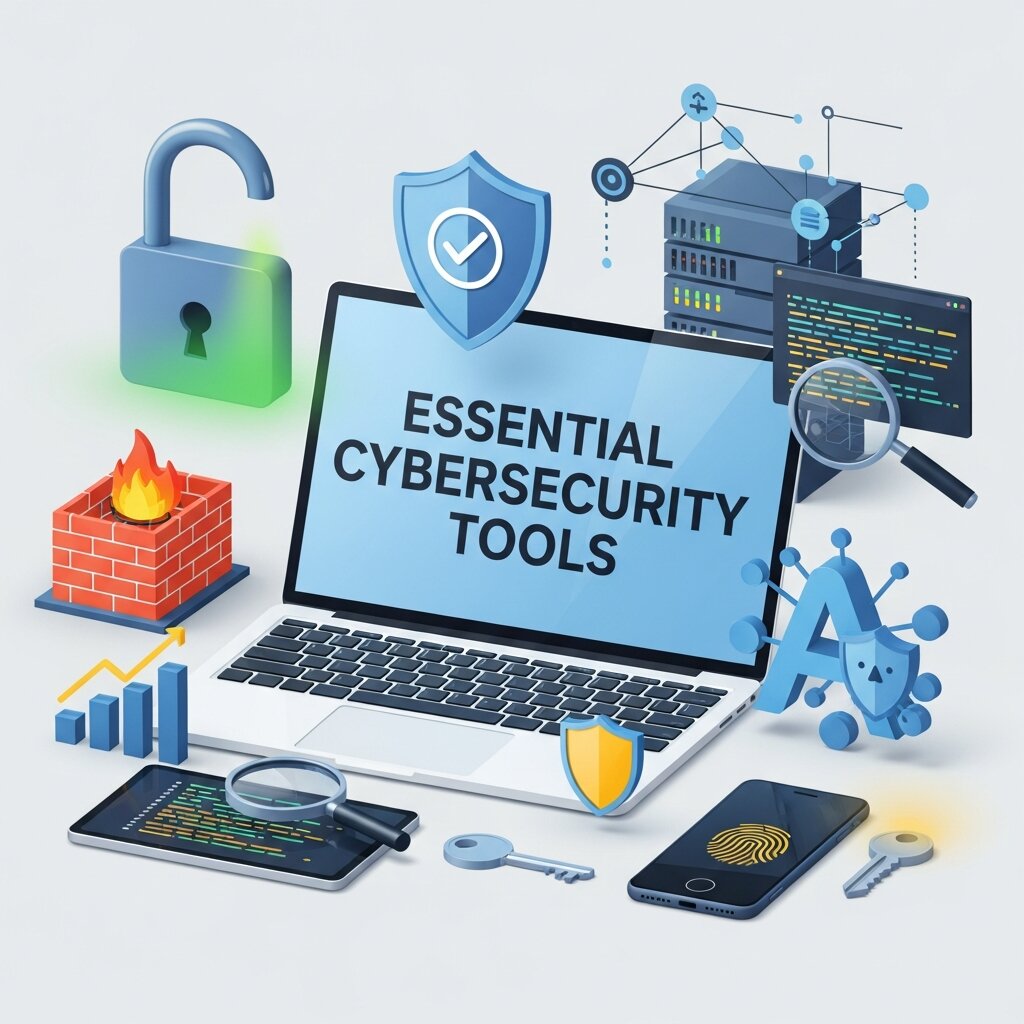 Security cannot be an afterthought. Building a layered defense strategy is the only way to protect your business from evolving digital threats.
Endpoint Protection
Antivirus software is no longer enough. Endpoint detection and response (EDR) solutions monitor all devices connected to your network, from laptops to smartphones. Tools like CrowdStrike or SentinelOne use artificial intelligence to detect unusual behavior, blocking ransomware and malware before they can execute. These platforms provide complete visibility into your network’s health.
Multi-Factor Authentication (MFA)
Stolen passwords are the leading cause of data breaches. Multi-factor authentication adds an essential layer of security by requiring users to verify their identity through a second device, such as a mobile phone app. Solutions like Duo Security or Microsoft Authenticator are easy to implement and drastically reduce the risk of unauthorized access to your company’s critical systems.
Customer Relationship Management (CRM) Systems
Managing customer relationships through spreadsheets is a recipe for lost sales. A dedicated CRM centralizes customer data, tracks interactions, and helps your sales team close deals faster.
HubSpot CRM
HubSpot offers a robust, user-friendly CRM that is particularly popular among smaller companies because its core features are free. It automatically tracks emails, logs calls, and organizes contacts. As your business grows, you can seamlessly upgrade to their paid marketing, sales, and service hubs to unlock advanced automation and reporting capabilities.
Salesforce Essentials
Salesforce is the industry leader in CRM software, and their Essentials package is tailored specifically for small teams. It brings the power of the Salesforce platform to a smaller scale, offering guided setup and simple integration with your existing email provider. It allows you to build custom sales pipelines, track customer support tickets, and generate detailed revenue forecasts.
Collaboration and Communication Software
The shift toward remote and hybrid work has made digital communication tools indispensable. Clear, organized communication prevents costly mistakes and keeps team morale high.
Slack
Slack organizes conversations into specific channels based on projects, departments, or topics. This structure prevents important information from getting lost in crowded email inboxes. Slack also integrates with thousands of other business apps, allowing you to receive notifications from your CRM, accounting software, or project management tools directly in your chat window.
Microsoft Teams
If you already use Microsoft 365, Teams is a natural fit. It combines instant messaging with high-quality video conferencing and voice calls. Users can share files and co-author documents without ever leaving the Teams application. Its deep integration with the Microsoft ecosystem makes it a highly efficient hub for teamwork.
Financial and Accounting Software
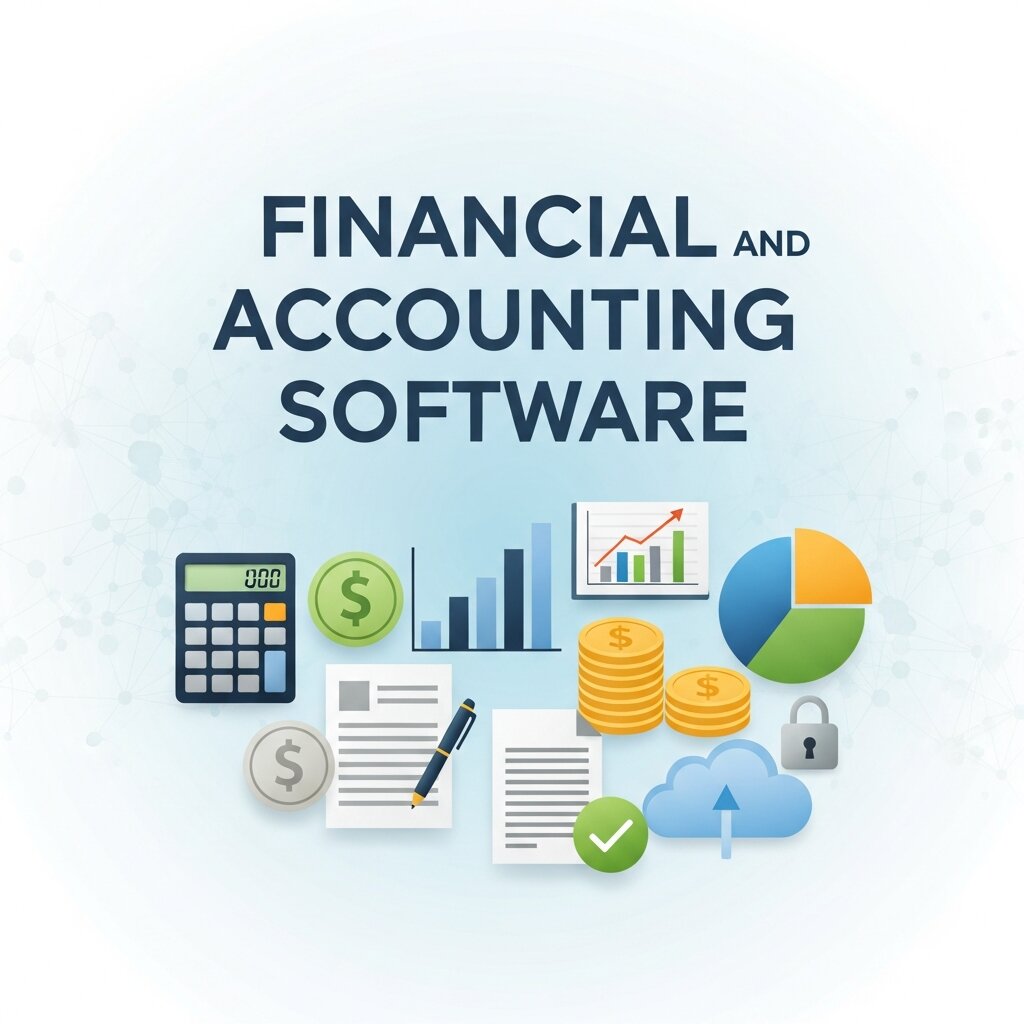 Accurate financial tracking is non-negotiable. Modern accounting software automates invoicing, tracks expenses, and simplifies tax preparation.
QuickBooks Online
QuickBooks is the standard for small business accounting. Its online version allows you to access financial data from anywhere. It automatically downloads and categorizes bank transactions, generates professional invoices, and tracks overdue payments. It also features a vast marketplace of third-party integrations, making it easy to connect your accounting software with your point-of-sale system or CRM.
Xero
Xero is a strong competitor to QuickBooks, known for its clean interface and strong inventory management features. It allows unlimited users on all its plans, which is a major advantage for growing teams that need to grant access to multiple employees and external accountants. Xero’s dashboard provides a clear, real-time overview of your cash flow.
Finding the Best Business IT Solution for Your Needs
No two companies are exactly alike, which means there is no universal tech stack. Selecting the best business IT solution requires a careful evaluation of your specific goals and bottlenecks.
Assessing Your Current Infrastructure
Start by auditing the tools you currently use. Identify where your team experiences the most frustration. Are they spending too much time searching for files? Are you struggling to track sales leads? Pinpointing these pain points helps you prioritize which solutions to implement first. Avoid buying software just because it is popular; ensure it directly addresses a verified operational need.
Budgeting for IT Investments
Software subscriptions can quickly add up. When evaluating a new tool, consider the total cost of ownership. This includes the monthly subscription fee, implementation costs, and the time required to train your staff. Look for platforms that offer scalable pricing tiers so you only pay for the features and user seats you actually need right now.
Data Backup and Disaster Recovery Planning
Data loss can cripple a small business within hours, making backup and disaster recovery planning essential. A reliable IT solution should include automated backups stored in secure cloud environments. This ensures that critical files, customer data, and operational systems can be restored quickly in case of hardware failure, cyberattacks, or accidental deletion. Disaster recovery plans outline the exact steps your team must take to resume operations with minimal downtime. Testing your backup systems regularly is just as important as setting them up. By preparing for worst-case scenarios, businesses can maintain continuity, protect valuable information, and avoid costly disruptions that could otherwise damage long-term growth.
IT Support and Managed Services
Not every small business has the resources to maintain a full in-house IT team. Managed IT services provide an affordable alternative by offering expert support on demand. These providers monitor your systems, handle troubleshooting, and ensure all software remains updated and secure. They can also assist with system upgrades, network management, and cybersecurity implementation. Having reliable IT support reduces downtime and allows business owners to focus on core operations instead of technical issues. Whether it’s resolving unexpected errors or planning long-term infrastructure improvements, managed service providers act as a proactive partner in maintaining a stable and efficient technology environment.
Automation and Workflow Optimization Tools
 Automation tools play a vital role in improving efficiency for small businesses. Repetitive tasks such as data entry, email responses, and reporting can consume valuable time. By implementing workflow automation software, businesses can streamline these processes and reduce human error. Tools like Zapier or Make (Integromat) connect different applications and trigger actions automatically based on predefined rules. For example, a new customer inquiry can instantly create a CRM entry and send a follow-up email. This level of automation not only boosts productivity but also ensures consistency across operations. As a result, teams can focus more on strategic activities that drive revenue and innovation.
Scalability and Future-Proof Technology
Choosing IT solutions that can grow with your business is crucial for long-term success. Scalable technology allows you to add new users, features, and integrations without overhauling your entire system. Cloud-based platforms are particularly effective in this regard, as they offer flexible pricing and easy upgrades. Future-proofing your technology stack also involves selecting tools that receive regular updates and support emerging trends. This ensures compatibility with new devices and evolving business needs. By investing in scalable solutions, small businesses can avoid costly migrations and maintain operational efficiency as they expand, ensuring their technology infrastructure remains a strong foundation for growth.
FAQ: Navigating Small Business Technology
What are the most important IT solutions for small businesses?
The most essential IT solutions include cloud computing platforms, cybersecurity tools, CRM systems, communication software, and accounting solutions. These tools help streamline operations, secure sensitive data, and improve overall efficiency.
How do I choose the right IT tools for my business?
Start by identifying your biggest challenges, such as communication gaps, data management issues, or security concerns. Then, look for tools that directly solve those problems. Always consider scalability, ease of use, integration capabilities, and pricing before making a decision.
Are cloud-based solutions better than traditional software?
In most cases, yes. Cloud-based solutions offer flexibility, remote access, automatic updates, and lower upfront costs compared to traditional on-premise software. They are especially beneficial for small businesses that need to scale quickly without investing heavily in hardware infrastructure.
How can small businesses improve cybersecurity on a budget?
Small businesses can strengthen security by implementing multi-factor authentication (MFA), using strong passwords, installing reliable antivirus software, and regularly updating systems. Employee training is also crucial, as human error is one of the leading causes of security breaches.
Do small businesses really need a CRM system?
Yes. Even small teams benefit from a CRM system as it centralizes customer information, tracks interactions, and improves sales processes. It helps prevent lost leads, enhances customer relationships, and provides valuable insights for business growth.
How often should IT systems be updated or reviewed?
It’s recommended to review your IT systems at least once or twice a year. Regular updates ensure your tools remain secure, efficient, and aligned with your business goals. Immediate reviews are also necessary after major changes like scaling operations or adopting new technologies.
What is the average cost of implementing IT solutions?
Costs vary depending on the tools and scale of your business. Most small businesses spend around 4% to 6% of their revenue on IT. However, many modern tools offer flexible pricing plans, allowing you to start small and expand as your needs grow.
Can IT solutions help improve customer experience?
Absolutely. Tools like CRM systems, communication platforms, and automation software allow businesses to respond faster, personalize interactions, and maintain consistency. This leads to higher customer satisfaction and long-term loyalty.
Next Steps for Upgrading Your Tech Stack
Evaluating and implementing new technology can feel overwhelming, but the long-term benefits far outweigh the initial effort. Start small by addressing your most pressing operational bottleneck. If communication is scattered, introduce a unified chat platform. If customer data is disorganized, migrate to a dedicated CRM.
Take advantage of free trials and vendor demos to test software before committing to a long-term contract. By carefully selecting the best IT solutions for small business workflows, you create an agile, secure, and highly productive environment ready to scale.