Managing modern business operations requires precision, speed, and adaptability. Many companies still rely on manual processes for routine tasks, which drains valuable resources and frustrates skilled employees. When staff members spend their time resetting passwords, managing software updates, or migrating data by hand, they have less capacity for strategic work that actually grows the business.
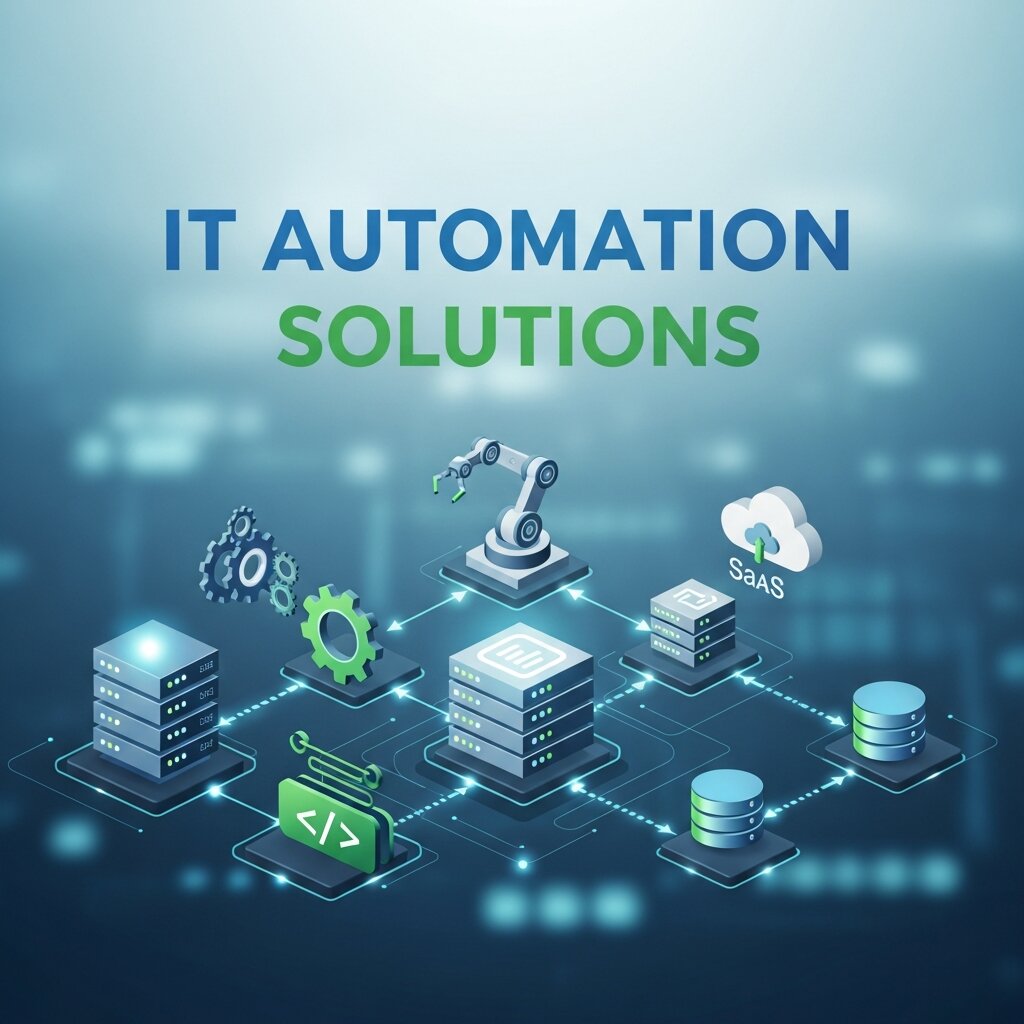
This operational bottleneck is exactly why IT automation solutions are becoming essential. By shifting repetitive, time-consuming tasks to software and programmable logic, organizations can reclaim thousands of hours previously lost to manual administration. Automation handles the heavy lifting in the background, allowing human workers to focus on creative problem-solving and customer relations.
Implementing these tools fundamentally changes how a company operates. Workflows become predictable. Security patches are applied instantly. System failures trigger immediate, automated recovery protocols before anyone even notices an outage. This level of reliability forms the foundation of a modern, resilient enterprise.
Reading this guide will give you a clear understanding of how automation transforms daily operations. We will look closely at different deployment methods, industry-specific applications, and the steps required to successfully integrate these tools into your own organization.
Understanding the Core of IT Automation
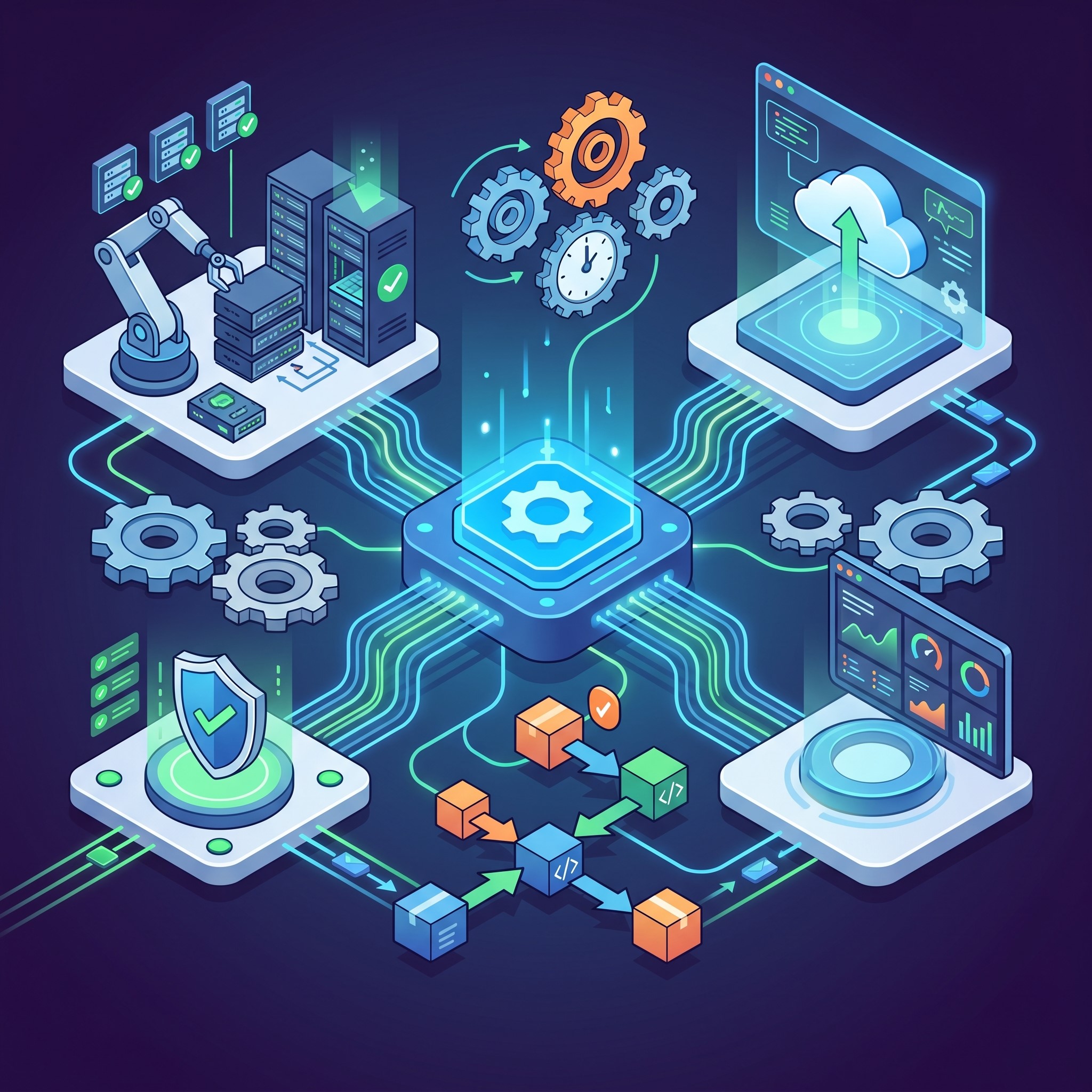 At its most basic level, IT automation uses software to create repeatable instructions and processes to replace human interaction with IT systems. Software tools execute these instructions automatically, responding to specific triggers or running on predetermined schedules.
Breaking Down the Basics
Think about the process of onboarding a new employee. Traditionally, an IT technician must manually create an email account, assign software licenses, configure security permissions, and set up a workstation. IT automation solutions handle this entire workflow instantly. When the HR department enters the new hire’s information into the system, the automation platform provisions all necessary accounts and permissions without human intervention.
This methodology applies to server provisioning, network management, and application deployment. By writing scripts and building automated workflows, organizations ensure that configurations remain consistent across the entire infrastructure. Consistent environments are easier to secure, easier to update, and easier to troubleshoot.
The Shift to IT Cloud Solutions
Automation reaches its full potential when paired with modern infrastructure. IT cloud solutions provide the perfect environment for automated processes because they are inherently flexible and programmable via Application Programming Interfaces (APIs). Instead of physically wiring servers or installing hard drives, engineers can write code that tells the cloud provider to spin up fifty new servers during a traffic spike and shut them down when traffic subsides.
This elasticity prevents companies from paying for computing power they do not need. Cloud-based automation also simplifies disaster recovery. If a primary data center goes offline, automated scripts can instantly reroute traffic and restore backups in a completely different geographic region, keeping the business running smoothly.
Key Benefits of Automating Your Operations
Transitioning away from manual administration requires an initial investment of time and capital. However, the operational benefits quickly justify the effort. Organizations that embrace automation consistently report significant improvements across several critical metrics.
Unmatched Speed and Efficiency
Machines process instructions infinitely faster than humans. A task that takes an administrator three hours to complete manually might take an automated script three seconds. This speed advantage accelerates software delivery cycles, shortens resolution times for support tickets, and allows the business to pivot quickly when market conditions change.
Significant Reduction in Errors
Human beings get tired, distracted, and bored. When performing repetitive tasks, mistakes happen. A missed security patch or a misconfigured firewall can expose the entire company to cyber threats. Automated systems do exactly what they are programmed to do, every single time. By removing the human element from routine configurations, businesses drastically reduce the risk of outages and security breaches caused by simple typos.
Measurable Cost Savings
While cutting costs is rarely the only reason to automate, it is a highly attractive benefit. Efficiency translates directly to financial savings. By automating routine maintenance, companies reduce the need for massive, round-the-clock administrative teams. Furthermore, automated resource management ensures that businesses only pay for the software licenses and cloud storage they actively use.
Industry Focus: IT Solutions for Manufacturing
Different sectors require distinct approaches to automation. The manufacturing industry offers an excellent example of how specialized technology drives massive improvements in output and safety. Modern facilities rely heavily on IT solutions for manufacturing to keep assembly lines moving and to coordinate complex logistics.
Streamlining the Supply Chain
Manufacturing requires a delicate balance of raw materials, equipment readiness, and order fulfillment. IT automation solutions connect the factory floor directly to supply chain databases. When a facility runs low on a specific component, the system automatically generates a purchase order and sends it to the supplier. This seamless data exchange prevents production delays and eliminates the need for manual inventory counting.
Advancing Predictive Maintenance
Equipment failure is the most expensive problem a factory can face. Unplanned downtime halts production and delays shipments. IT solutions for manufacturing now include thousands of connected sensors that monitor machine vibration, temperature, and output rates. Automation platforms analyze this data continuously. When a sensor detects an anomaly indicating a part is wearing out, the system automatically schedules maintenance during off-hours and orders the replacement part. Technicians fix the machine before it breaks, keeping the assembly line running smoothly.
Managed IT Solutions: Partnering for Success
 Building and maintaining an automated infrastructure requires specialized skills. Many organizations struggle to find and retain the engineering talent necessary to build complex automation scripts from scratch. This talent gap makes managed IT solutions an incredibly valuable option for businesses of all sizes.
The Logic Behind Outsourcing
Partnering with a managed service provider (MSP) gives you instant access to a team of experts who specialize in automation. These professionals already know which tools work best and how to avoid common implementation pitfalls. Instead of spending months researching platforms and training internal staff, your business can start seeing the benefits of automation almost immediately. Managed IT solutions allow your internal team to focus on industry-specific goals while the MSP handles the underlying technology.
Continuous Monitoring and Security
A managed service provider implements automation not just for efficiency, but for security. They deploy automated threat detection systems that monitor your network around the clock. If a suspicious login attempt occurs at two in the morning, the automated system immediately locks the compromised account and alerts the security team. This proactive approach to cybersecurity is difficult for most mid-sized companies to maintain entirely on their own.
How to Implement Automation in Your Business
Adopting automation requires a thoughtful strategy. Rushing to automate broken processes only results in faster mistakes. Following a structured approach ensures a smooth transition and maximizes the return on your investment.
Step 1: Audit Your Current Workflows
Start by observing how your team works right now. Document every recurring IT task. Look for processes that are highly repetitive, require significant manual data entry, or frequently suffer from human error. These are your prime candidates for automation. Do not attempt to automate everything at once. Pick one or two critical workflows, such as employee onboarding or server patching, to serve as your pilot projects.
Step 2: Choose the Right Software
The market is flooded with IT automation solutions, ranging from simple scripting tools to complex orchestration platforms. Your choice must align with your existing infrastructure. If your business relies heavily on Microsoft products, look for tools that integrate smoothly with that ecosystem. If you utilize multiple IT cloud solutions, select a platform capable of managing multi-cloud environments. Consult with your engineering team or your managed service provider to evaluate the technical capabilities of each option.
Step 3: Train and Prepare Your Team
Automation changes job descriptions. When software takes over manual administration, your IT staff must transition to managing the automation platforms. Provide comprehensive training on the new tools. Reassure your team that automation is meant to eliminate tedious work, not eliminate their jobs. Encourage them to use their newly freed time to develop new skills and pursue projects that add direct value to the business.
Integrating Automation with DevOps Practices
Modern IT automation solutions work best when combined with DevOps methodologies. DevOps focuses on collaboration between development and operations teams, ensuring faster and more reliable software delivery. Automation plays a central role by streamlining code integration, testing, and deployment processes. Continuous Integration and Continuous Deployment (CI/CD) pipelines allow developers to push updates frequently while automation ensures those updates are tested and deployed without manual intervention.
By integrating automation into DevOps workflows, businesses can reduce deployment errors and accelerate innovation. Teams can release new features quickly while maintaining system stability. This approach also improves transparency, as automated logs and monitoring tools provide clear insights into every stage of the development lifecycle.
Enhancing Cybersecurity with Automation
Cybersecurity threats are evolving rapidly, making manual defense strategies insufficient. IT automation solutions strengthen security by enabling real-time threat detection and response. Automated systems continuously scan networks for vulnerabilities, apply security patches, and monitor unusual activity without human delay.
For example, if a system detects a potential breach, automation can immediately isolate affected devices, revoke access credentials, and initiate incident response protocols. This rapid reaction significantly reduces damage and downtime. Additionally, automated compliance checks ensure that security policies are consistently enforced across all systems, helping organizations meet regulatory requirements with ease.
Scaling Business Operations Seamlessly
As businesses grow, managing IT infrastructure manually becomes increasingly complex. Automation provides the scalability needed to support expansion without overwhelming internal teams. Whether it’s adding new users, deploying additional servers, or managing increased traffic, automated systems handle these tasks efficiently.
Cloud-based IT automation solutions are particularly valuable for scaling operations. They allow businesses to dynamically allocate resources based on demand, ensuring optimal performance at all times. This flexibility enables organizations to expand into new markets, launch new services, and handle growth without significant infrastructure changes.
Measuring ROI and Performance of Automation
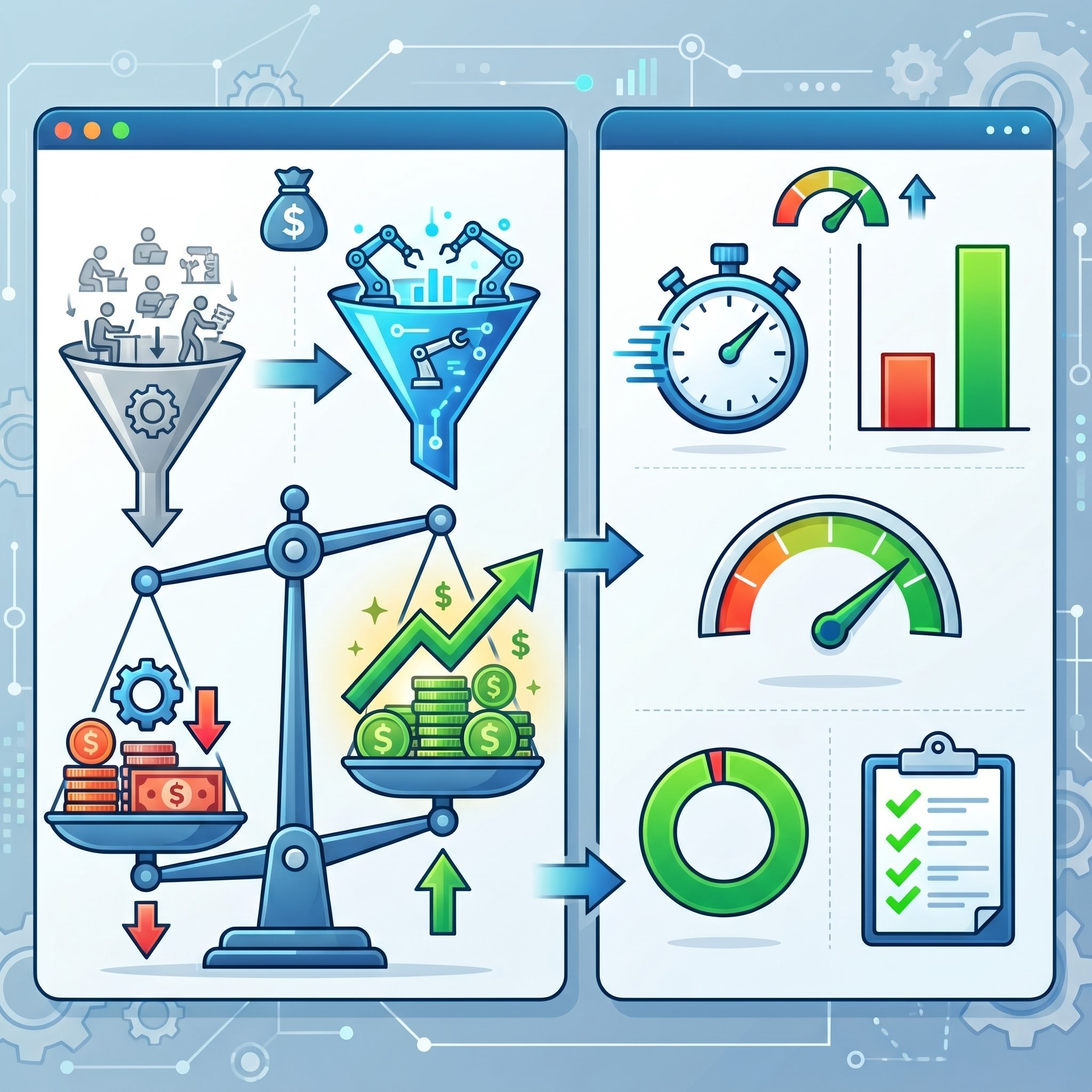 Implementing IT automation solutions is only the first step; measuring their effectiveness is equally important. Businesses must track key performance indicators (KPIs) such as task completion time, error rates, system uptime, and cost savings. These metrics provide a clear picture of how automation impacts overall efficiency.
Regular performance analysis helps identify areas for further optimization. For instance, if certain automated workflows are underperforming, they can be refined or expanded. By continuously monitoring results, organizations ensure they are maximizing their return on investment. Over time, this data-driven approach helps refine automation strategies and align them more closely with business goals.
Frequently Asked Questions About IT Automation
To provide additional clarity, we have compiled answers to some of the most common questions business leaders ask when exploring automation technology.
What is the difference between IT automation and orchestration?
IT automation typically refers to completing a single, specific task without human intervention, such as provisioning a single server. Orchestration involves managing and coordinating multiple automated tasks to execute a larger, complex workflow. For example, deploying an entirely new application environment across several servers and databases requires orchestration.
Will implementing automation disrupt my daily operations?
A well-planned implementation should minimize disruption. The best practice is to build and test automated scripts in a dedicated testing environment first. Once the workflow is proven to be successful and bug-free, it can be rolled out to the live production environment during scheduled maintenance windows.
Are these tools only for large enterprises?
No. Small and medium-sized businesses benefit immensely from automation. Many vendors offer scalable IT automation solutions priced specifically for smaller organizations. Furthermore, utilizing managed IT solutions allows smaller companies to leverage enterprise-grade automation without hiring a massive internal IT department.
How does automation improve compliance?
Regulatory compliance requires strict adherence to data handling protocols and security configurations. Automated systems enforce these rules universally. They ensure that every server meets security standards and automatically generate detailed logs of every action taken on the network. These logs make passing compliance audits much simpler and faster.
Future-Proof Your Operations Now
Relying on manual IT management is no longer a viable long-term strategy. The sheer volume of data, devices, and security threats facing modern businesses demands a more intelligent approach. IT automation solutions provide the reliability, speed, and scalability required to remain competitive.
Whether you choose to build internal capabilities, leverage IT cloud solutions, or partner with providers for managed IT solutions, the time to begin your automation journey is now. Start by auditing your most tedious workflows. Identify the bottlenecks draining your team’s energy. By systematically automating these processes, you will build a faster, smarter, and more resilient business capable of handling whatever technical challenges the future holds.