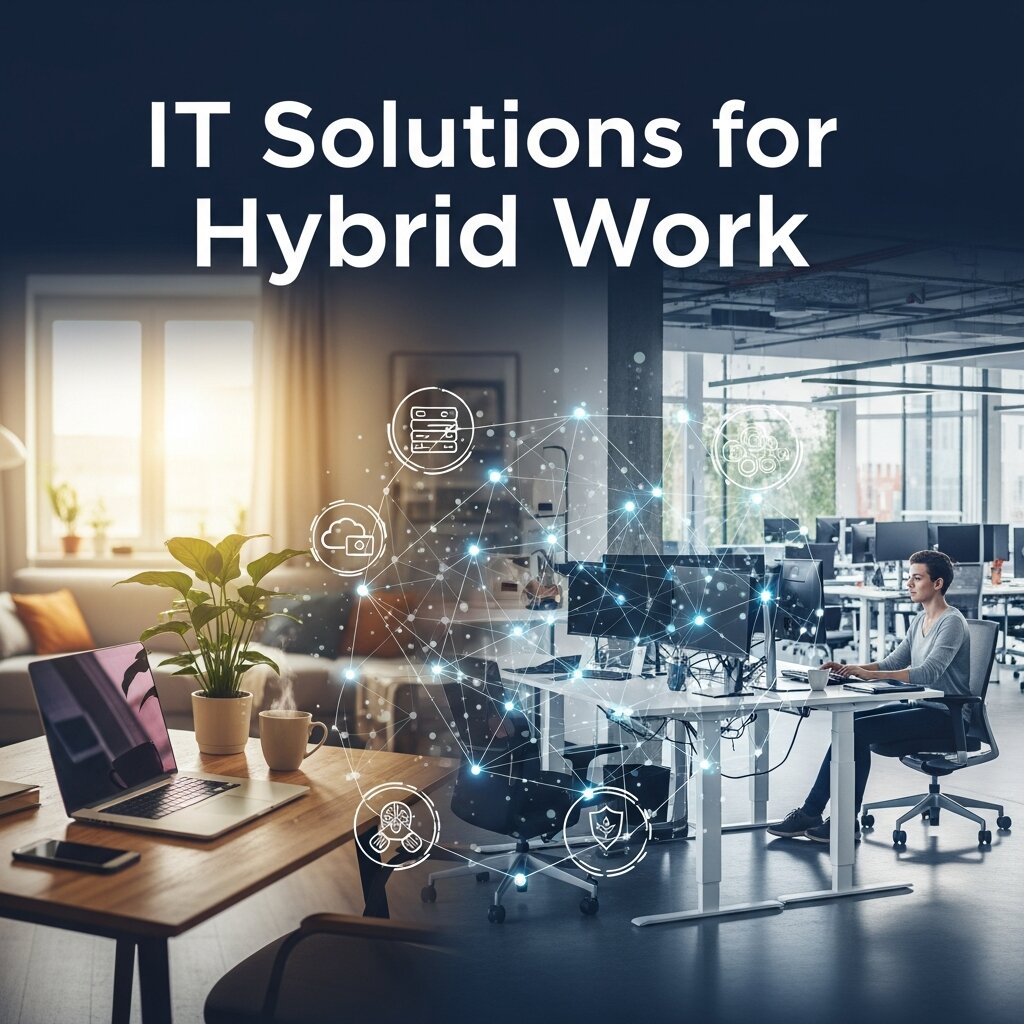
In today’s digital landscape, organizations are embracing flexible work arrangements to balance remote productivity with in-person collaboration. The hybrid work model has become a cornerstone strategy this year (2026), enabling businesses to support distributed teams while optimizing office utilization. To navigate this evolving terrain, companies need a comprehensive framework of integrated IT solutions for hybrid work that ensures seamless communication, secure access, and consistent performance regardless of location. By adopting a unified technology stack—spanning communications, cloud services, endpoint management, cybersecurity, and analytics—enterprises can elevate employee engagement, streamline operations, and maximize return on investment (ROI).
Implementing the right mix of tools and best practices fosters a resilient infrastructure that adapts to changing business needs. Today, leaders recognize that piecemeal solutions create security gaps and user frustration, undermining productivity and increasing support costs. Instead, a holistic approach to integrated IT solutions for hybrid work empowers teams to collaborate effortlessly, accelerates decision-making, and safeguards critical data. In this article, we explore the fundamentals of hybrid work, outline essential technology components, examine performance metrics and ROI strategies, and share best practices for successful deployment. We also highlight a real-world case study and discuss emerging trends set to redefine hybrid collaboration in years ahead.
Understanding the Hybrid Work Model
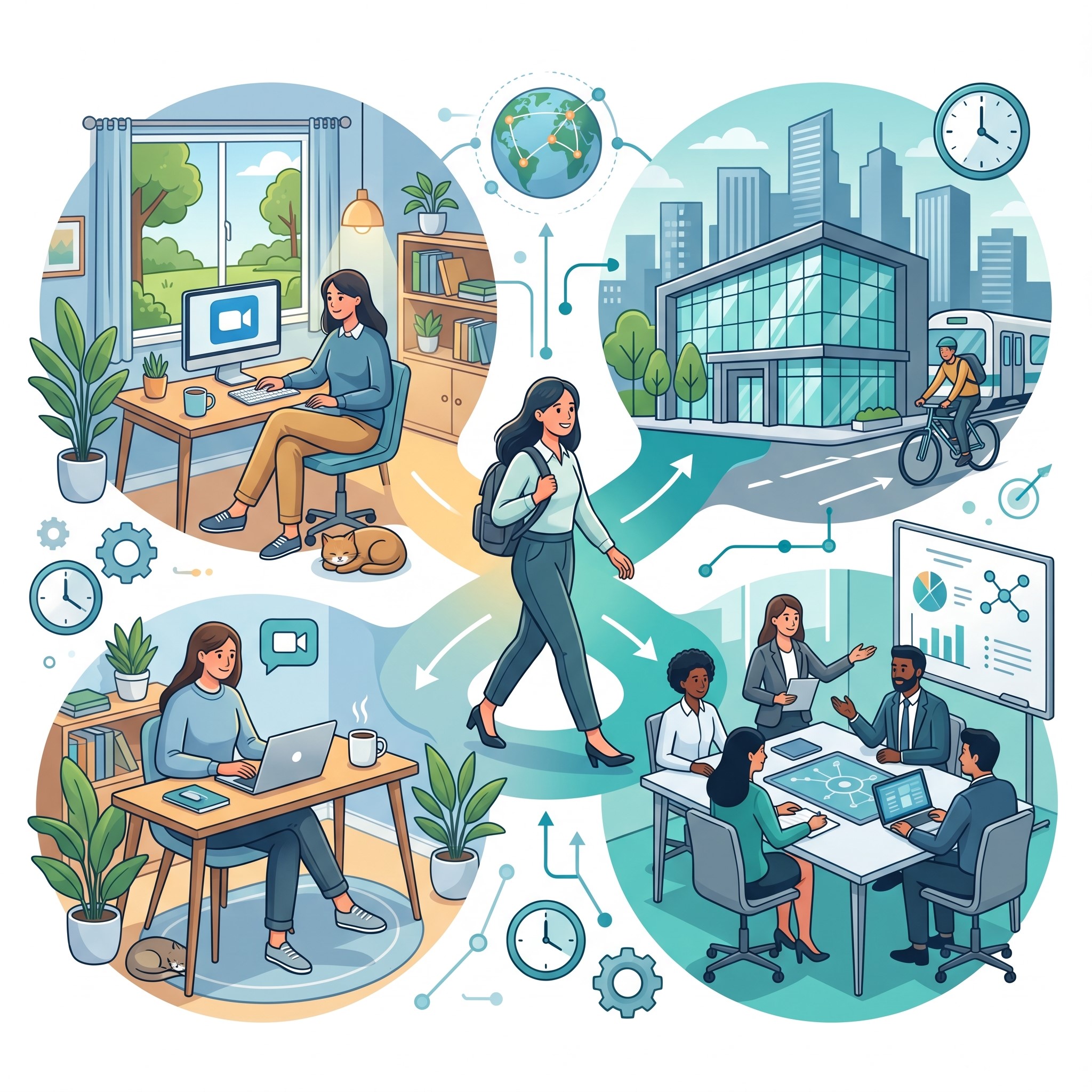 The hybrid work model combines remote and on-site work to give employees greater flexibility while helping organizations reduce real estate expenses and environmental impact. Currently, many businesses report improved talent retention and higher employee satisfaction after adopting a hybrid approach. According to research from MIT Sloan School of Management, teams that leverage both remote and in-office collaboration see a 15% uplift in creative problem solving. However, blending disparate work locations introduces complexities in network configuration, application delivery, and security enforcement.
First, network management must accommodate both corporate and home office environments. Bandwidth constraints, Wi-Fi variability, and VPN performance all influence user experience. Second, enforcing consistent security policies across fragmented perimeters demands advanced solutions such as a Zero Trust architecture. Third, legacy applications can struggle to scale when accessed simultaneously by distributed users, causing service disruptions and performance bottlenecks.
Overcoming these challenges starts with an integrated IT strategy designed specifically for a hybrid workforce. A unified platform aligns communication, collaboration, and endpoint controls to deliver a cohesive experience. By standardizing tools—such as unified communications (UC) platforms, cloud infrastructure, and endpoint management suites—IT teams can simplify support processes and accelerate troubleshooting. Ultimately, a well-defined hybrid work framework not only drives operational efficiency but also strengthens organizational resilience in an unpredictable business environment.
Essential Components of Integrated IT Solutions
Supporting a hybrid workforce requires a unified technology stack that delivers a consistent user experience across locations. The following components form the backbone of integrated IT solutions for hybrid work:
Unified Communications and Collaboration
Unified communications (UC) systems integrate voice, video, messaging, and presence into a single interface. Platforms like Microsoft Teams, Cisco Webex, Zoom, and Slack enable real-time collaboration, reducing context switching and accelerating decision cycles. Features such as background noise suppression, AI-driven meeting summaries, and threaded chat channels enhance accessibility and streamline workflows.
Cloud Infrastructure and Virtual Desktops
Public cloud providers—including AWS, Microsoft Azure, and Google Cloud Platform—offer scalable compute, storage, and networking services that can be provisioned on demand. Virtual Desktop Infrastructure (VDI) and Desktop-as-a-Service (DaaS) solutions deliver secure desktop environments to any device, ensuring consistent access to applications and data. This flexibility reduces hardware investment and simplifies patch management.
Endpoint Management and BYOD Policies
With employees accessing corporate resources from laptops, smartphones, and tablets, robust endpoint management is critical. Tools such as Microsoft Intune, VMware Workspace ONE, and IBM MaaS360 enforce security policies, push updates, and facilitate remote troubleshooting. BYOD policies with containerization safeguard corporate data while preserving user privacy.
Advanced Cybersecurity Frameworks
In hybrid environments, perimeter-based security is insufficient. Adopting a Zero Trust framework—where every device and user is verified continuously—helps mitigate risks. Technologies like Secure Access Service Edge (SASE), Multi-Factor Authentication (MFA), and Identity and Access Management (IAM) platforms ensure granular control over resource access. Endpoint Detection and Response (EDR) and Security Information and Event Management (SIEM) systems provide real-time threat monitoring and automated incident response.
Data Analytics and Performance Monitoring
Embedding analytics into IT operations offers insights into application performance, network health, and user behavior. Solutions like AWS CloudWatch, Azure Monitor, Splunk, and Datadog collect metrics and logs, feeding dashboards that highlight anomalies and capacity constraints. By aligning technical metrics with business KPIs—such as employee productivity, customer satisfaction, and cost savings—organizations can optimize configurations and drive continuous improvement.
Measuring Success and ROI
 Demonstrating tangible value from integrated IT solutions for hybrid work requires a clear measurement framework. This year (2026), organizations are prioritizing data-driven insights to justify technology investments. Key performance indicators (KPIs) to track include:
- Productivity Gains: Hours saved through streamlined workflows, automated processes, and reduced travel.
- Cost Savings: Lowered real estate expenses, decreased hardware procurement, and optimized cloud usage.
- Security Metrics: Number of security incidents prevented, time to detection, and compliance audit results aligned with NIST guidelines.
- Employee Satisfaction: Survey scores reflecting work-life balance, tool usability, and perceived support.
To calculate ROI, compare total costs—including licensing, infrastructure, and support—against quantifiable benefits such as reduced downtime and improved retention. Adopting a phased deployment approach with baseline measurements and regular reviews allows teams to refine configurations, retire redundant services, and amplify value over time. Interactive dashboards can highlight trends and forecast capacity needs, ensuring that IT investments align with evolving business objectives.
Best Practices and Overcoming Challenges
Implementing integrated IT solutions for hybrid work demands a structured methodology to minimize disruption and maximize adoption:
- Assess Current State: Conduct a thorough audit of existing infrastructure, applications, and security controls.
- Define Clear Objectives: Align technology choices with strategic goals such as agility, cost efficiency, and user experience.
- Pilot and Iterate: Roll out solutions to a small group, gather feedback, and refine configurations before scaling.
- Engage Stakeholders: Involve end users, IT staff, and executive sponsors to drive buy-in and smooth change management.
- Provide Training and Support: Offer self-service portals, documentation, and hands-on workshops to accelerate user proficiency.
- Monitor and Optimize: Leverage analytics to identify bottlenecks, forecast resource requirements, and adjust policies.
Common hurdles include resistance to new tools, bandwidth limitations, and integration with legacy systems. Mitigation strategies involve incremental migration, flexible licensing models, and working with vendors who offer built-in compliance frameworks. Prioritizing governance and continuous improvement helps organizations navigate obstacles swiftly and sustain momentum.
Future Outlook and Trends
AI-Driven Automation and Self-Healing Systems
Intelligent automation can streamline routine IT tasks, from provisioning to incident resolution. Chatbots and machine learning models will anticipate issues before they impact users, enabling self-healing networks and proactive support.
Edge Computing and 5G Connectivity
Deploying compute resources at the network edge reduces latency for real-time collaboration tools and IoT devices. Coupled with 5G networks, edge architectures will unlock new use cases such as AR/VR meetings and digital twins.
Green IT and Sustainable Practices
Environmental concerns are driving demand for energy-efficient data centers and low-power edge devices. Organizations will adopt carbon-aware scheduling and renewable energy sources to minimize their environmental footprint.
Case Study: Global Manufacturing Firm
A multinational manufacturing company implemented integrated IT solutions for hybrid work by combining Microsoft 365 with Teams, Azure Virtual Desktop, Okta identity management, and a SASE security framework. After a phased rollout, the firm achieved a 30% reduction in infrastructure costs, a 25% boost in employee productivity, and a 40% decrease in security incidents. Continuous monitoring and quarterly ROI assessments enabled the team to fine-tune resource allocation and plan for emerging technologies.
Employee Experience and Digital Workplace Optimization
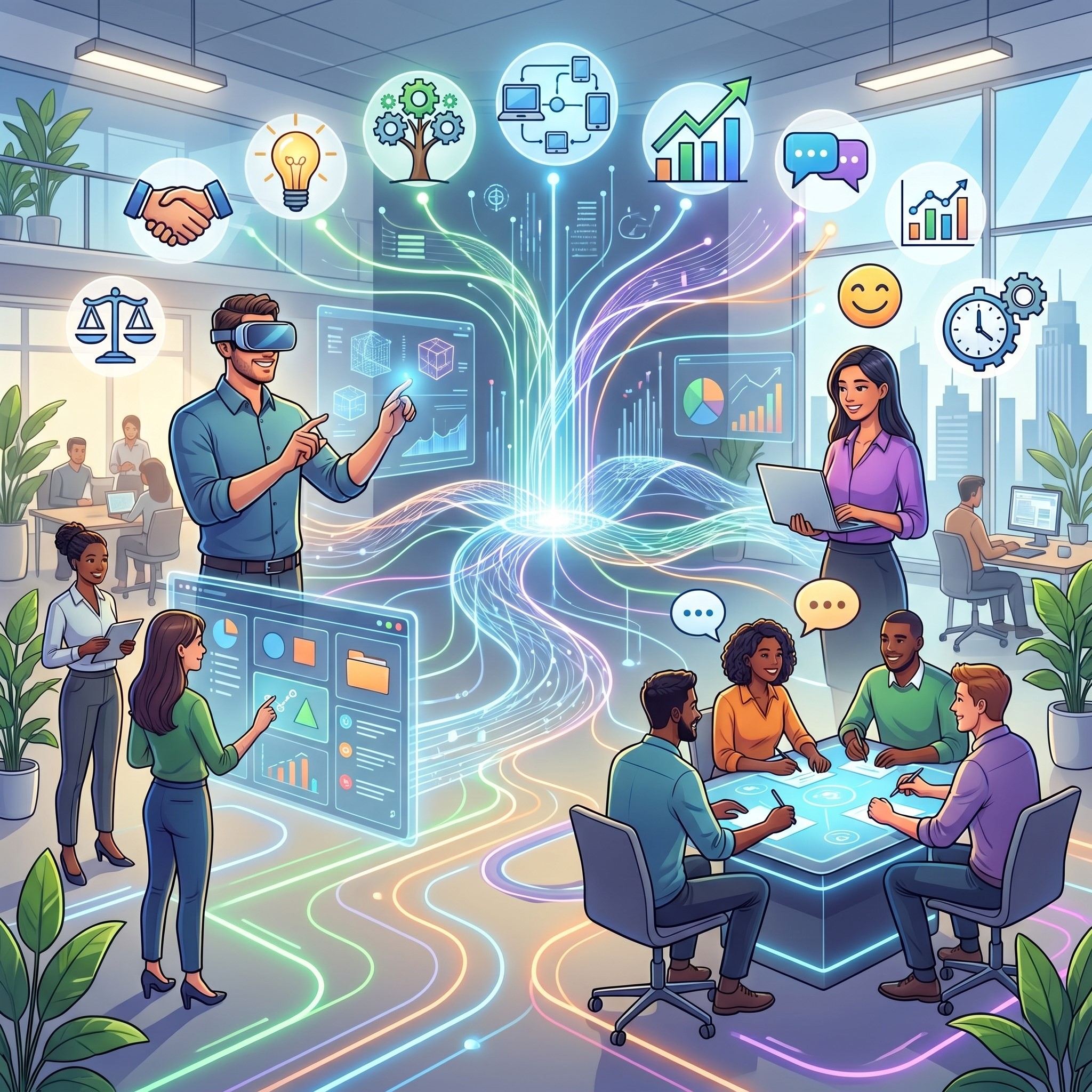 A successful hybrid strategy depends heavily on employee experience. When workers constantly switch between disconnected tools, productivity declines and frustration increases. Organizations should focus on building a centralized digital workplace where employees can access communication platforms, files, workflows, and support services from a single environment. Streamlined access reduces confusion and helps employees remain focused regardless of location. Personalized dashboards, AI-powered search functions, and automated workflows also improve operational efficiency. Additionally, companies should regularly gather employee feedback through surveys and analytics to identify usability issues and collaboration bottlenecks. Optimizing the digital workplace enhances engagement, strengthens team collaboration, and supports long-term retention. In competitive industries, businesses that prioritize employee-centric IT environments gain a stronger ability to attract and retain highly skilled professionals.
Disaster Recovery and Business Continuity Planning
Hybrid work environments require robust disaster recovery and business continuity strategies to prevent operational disruptions. Cyberattacks, power outages, hardware failures, or cloud service interruptions can severely impact distributed teams if backup systems are not properly configured. Integrated IT solutions should include automated data backups, redundant cloud storage, failover systems, and incident response plans that minimize downtime. Organizations must also conduct regular disaster recovery testing to ensure employees can continue working during emergencies. Cloud-native infrastructure significantly improves resilience by allowing teams to access applications and files from multiple locations securely. A strong business continuity framework protects productivity, maintains customer trust, and safeguards organizational reputation. As hybrid operations continue evolving in 2026, resilient infrastructure has become an essential component of long-term digital transformation strategies.
The Importance of IT Support in Hybrid Work Environments
Providing responsive IT support is essential for maintaining productivity in hybrid workplaces. Remote employees often face connectivity issues, software conflicts, or device-related problems that can disrupt daily operations. Without immediate technical assistance, even small issues can escalate into significant productivity losses. Organizations should implement centralized helpdesk systems, AI-powered chat support, and remote troubleshooting tools to resolve issues quickly. Self-service knowledge bases and automated ticketing systems also reduce response times while empowering employees to solve minor technical problems independently. Proactive monitoring solutions can detect device or network failures before users experience disruptions. Effective IT support strengthens employee confidence in workplace technology and minimizes downtime. Companies that invest in accessible, responsive support services create a smoother hybrid work experience and improve overall operational efficiency.
Compliance and Regulatory Requirements for Hybrid Infrastructure
As organizations adopt distributed work environments, compliance management becomes increasingly complex. Businesses must ensure that remote access policies, cloud platforms, and communication tools comply with industry regulations and data protection standards. Industries such as healthcare, finance, and government often require strict adherence to frameworks like HIPAA, GDPR, ISO 27001, or SOC 2. Integrated IT solutions help organizations enforce standardized security policies across remote devices and office networks simultaneously. Features like encrypted communication, role-based access controls, and audit logging improve compliance visibility and reduce legal risks. Regular compliance assessments and employee cybersecurity training further strengthen governance efforts. By embedding compliance directly into hybrid infrastructure, organizations reduce vulnerability exposure while maintaining trust with clients, regulators, and stakeholders in increasingly regulated digital environments.
Enhancing Collaboration Through Smart Meeting Technologies
Modern hybrid workplaces rely heavily on smart meeting technologies to bridge communication gaps between remote and in-office employees. Traditional conference rooms often fail to provide equal participation opportunities for distributed teams, leading to disengagement and collaboration barriers. Smart meeting systems equipped with AI-powered cameras, real-time transcription, noise cancellation, and intelligent speaker tracking create more inclusive communication experiences. Interactive digital whiteboards and collaborative document-sharing platforms also improve brainstorming sessions and project coordination. These technologies help remote participants feel equally involved in discussions, improving decision-making quality and team cohesion. Organizations that modernize meeting environments experience stronger collaboration, reduced misunderstandings, and faster project execution. As hybrid collaboration continues expanding in 2026, smart conferencing technologies are becoming a critical investment for future-ready enterprises.
Workforce Analytics and Predictive Decision-Making
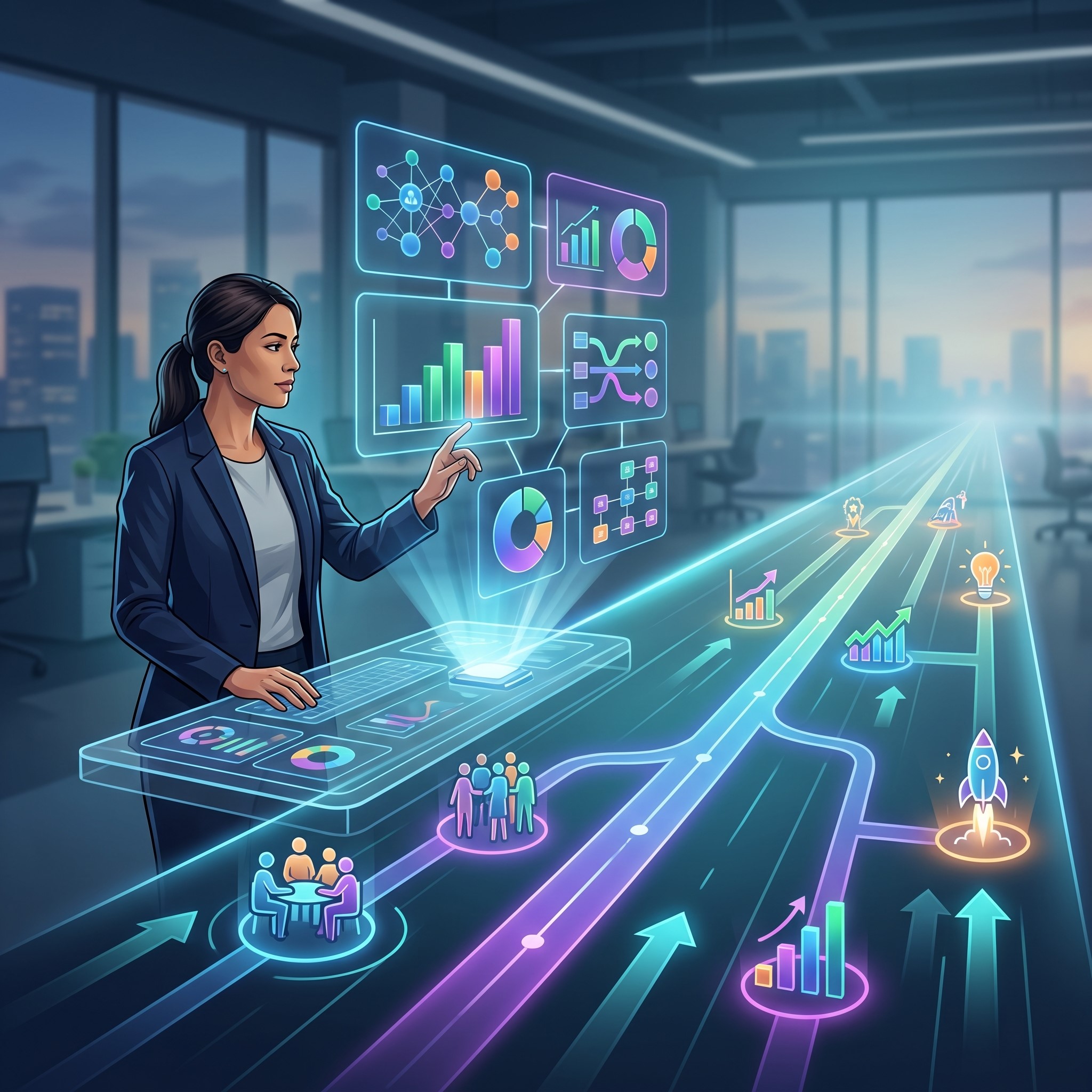 Workforce analytics has become an increasingly valuable component of integrated IT solutions for hybrid work. By collecting insights from collaboration platforms, productivity tools, and employee engagement systems, organizations can identify trends that influence operational performance. Analytics dashboards help managers monitor workload distribution, meeting efficiency, application usage, and employee well-being indicators. Predictive analytics powered by AI can forecast staffing needs, detect burnout risks, and recommend workflow improvements before productivity declines occur. These insights enable leadership teams to make data-driven decisions that improve workforce planning and resource allocation. Additionally, transparent analytics frameworks help organizations optimize office utilization and refine hybrid scheduling strategies. Companies leveraging workforce intelligence gain a competitive advantage by improving efficiency while creating healthier, more balanced work environments for employees.
FAQ
What is the hybrid work model?
The hybrid work model blends remote and in-office work, offering flexibility to employees while enabling organizations to optimize office space and resources.
Which IT solutions are essential for hybrid work?
Key solutions include unified communications platforms, cloud infrastructure and virtual desktops, endpoint management, advanced cybersecurity frameworks, and data analytics tools.
How can companies measure ROI for hybrid work technologies?
Organizations can track KPIs such as productivity gains, cost savings, security incidents prevented, and employee satisfaction. Comparing these benefits against total costs yields a clear ROI calculation.
What are common challenges when implementing hybrid work solutions?
Common hurdles include network variability, security policy enforcement, resistance to new tools, and integration with legacy systems. A phased, stakeholder-driven approach with continuous monitoring helps overcome these issues.
Conclusion
Integrated IT solutions for hybrid work are essential to unlocking the full potential of today’s distributed workforce. By unifying communications, cloud infrastructure, endpoint management, cybersecurity, and analytics, organizations can deliver a seamless user experience, optimize operational costs, and strengthen security posture.
A methodical implementation approach—anchored in clear objectives, stakeholder engagement, and continuous measurement—ensures that technology investments yield measurable ROI. As businesses continue to adapt in 2026, embracing a holistic hybrid work strategy will foster innovation, enhance agility, and position enterprises for long-term success. Now is the moment to partner with experienced IT solution providers and build a future-ready hybrid ecosystem.
Read more about this topic: AI-Enhanced IT Solutions for Proactive Business Growth