Poor network management doesn’t just slow things down—it creates vulnerabilities that cost businesses dearly. According to IBM’s Cost of a Data Breach Report 2023, the average cost of a data breach reached $4.45 million, an all-time high. For IT teams juggling complex infrastructure, rising cyber threats, and ever-growing user demands, the pressure to get network management right has never been greater.
This blog post breaks down the most effective network management best practices for 2024—covering everything from security protocols and performance monitoring to IT automation solutions and custom IT solutions that scale with your organization. Whether you manage a small business network or a sprawling enterprise environment, these practices will help you build a more secure, efficient, and resilient infrastructure.
What Is Network Management—and Why Does It Matter?
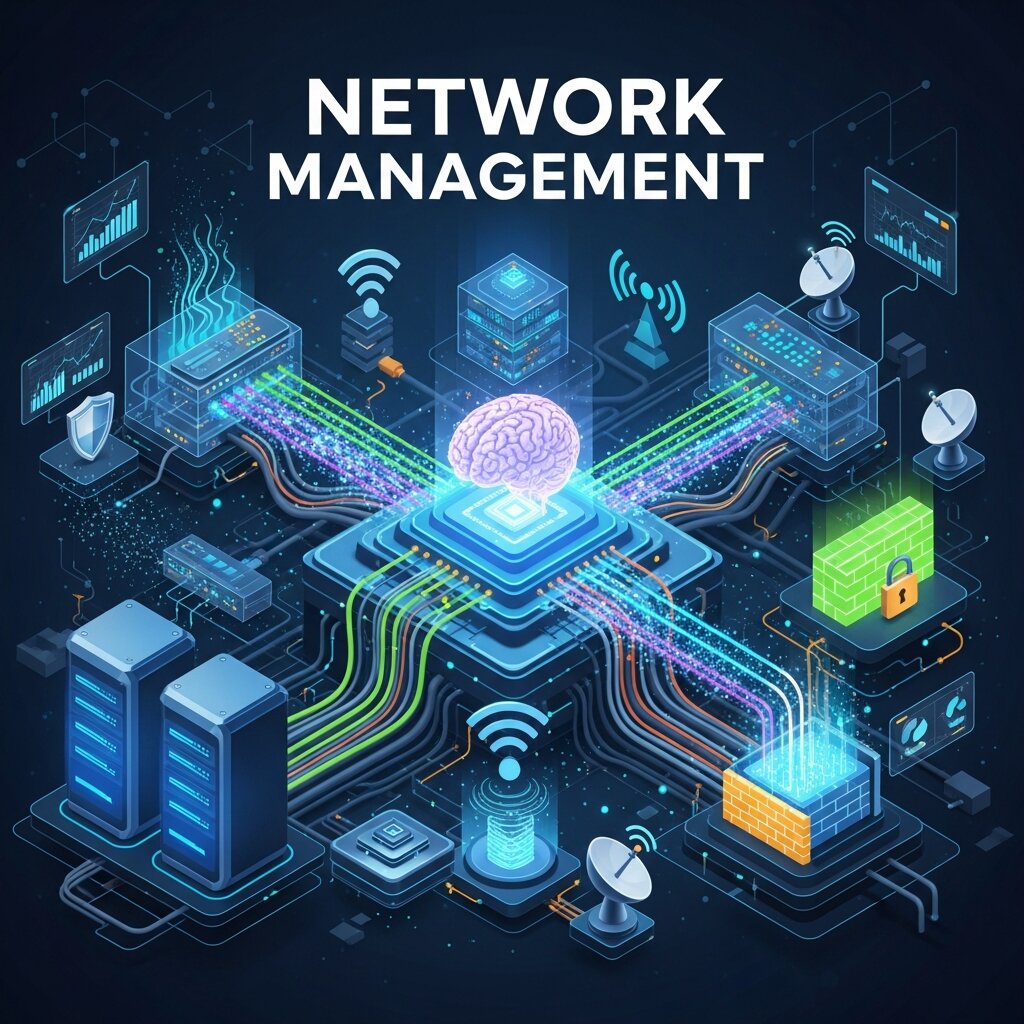
Network management refers to the processes, tools, and policies used to monitor, configure, and maintain a computer network. This includes managing hardware like routers and switches, overseeing software and applications, monitoring traffic, and responding to performance or security incidents.
At its core, effective network management serves two goals: keeping your network fast and keeping it secure. These goals are deeply interconnected. A misconfigured device can become a security gap. A DDoS attack can cripple performance. And a poorly documented network makes both problems harder to solve.
As organizations increasingly adopt IT cloud solutions and hybrid infrastructure, the complexity of network management grows. That complexity demands a structured, proactive approach—not reactive firefighting.
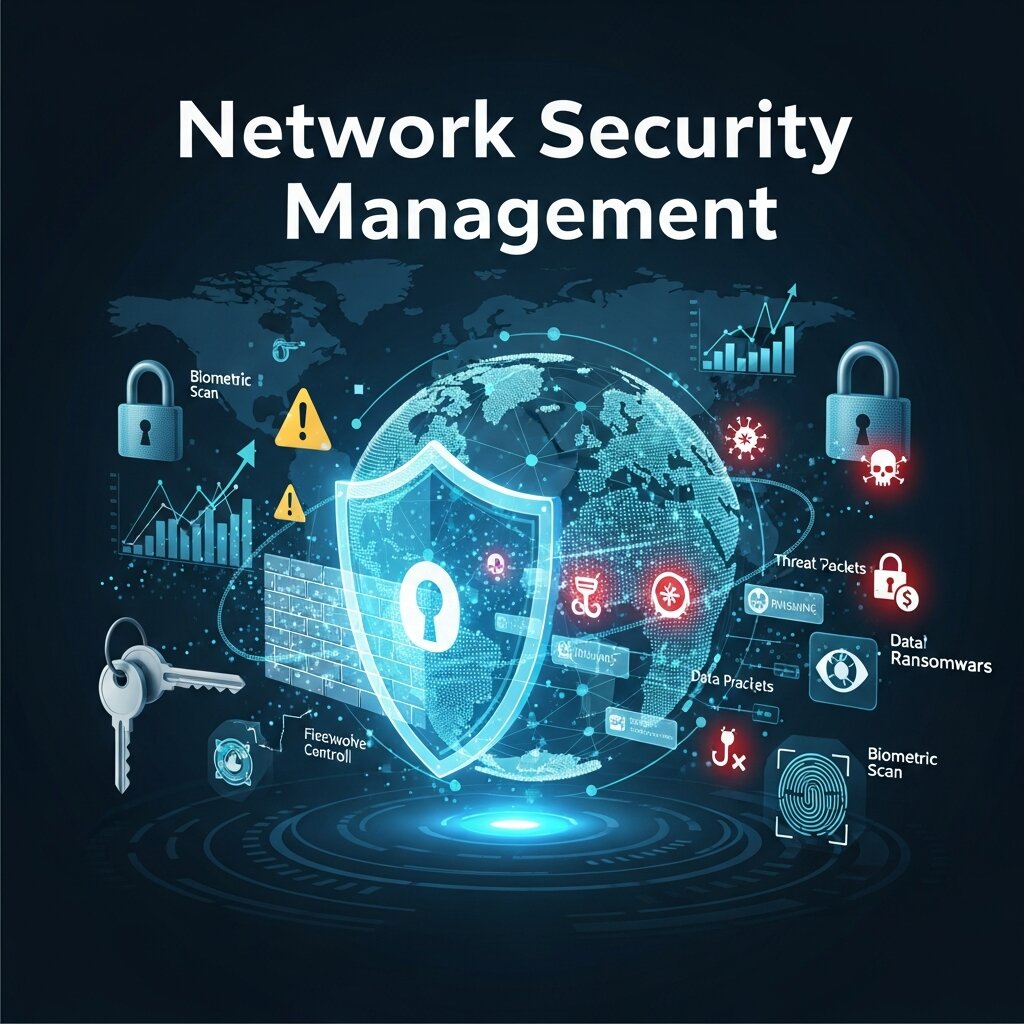
How Should You Approach Network Security Management?
Segment Your Network to Limit Exposure
Network segmentation divides your infrastructure into distinct zones, each with its own access controls and traffic rules. If a threat actor breaches one segment, segmentation prevents lateral movement across the entire network.
A practical starting point: separate your guest Wi-Fi from your internal corporate network, isolate IoT devices, and create dedicated segments for sensitive data like HR or finance systems. Zero Trust Architecture (ZTA) takes this further by requiring verification for every access request, regardless of where it originates.
Enforce Strict Access Control Policies
Access control is a foundational pillar of network security. The principle of least privilege—granting users only the access they need to do their job—significantly reduces your attack surface.
Implement multi-factor authentication (MFA) across all network access points, including VPNs and remote desktop protocols. Role-based access control (RBAC) ensures that permissions align with job functions, not individual preferences. Regularly audit user accounts and revoke access for employees who have changed roles or left the organization.
Keep Firmware and Software Updated
Unpatched software is one of the most common entry points for attackers. According to the Verizon Data Breach Investigations Report 2023, exploitation of vulnerabilities accounted for a significant portion of network breaches.
Establish a patch management policy that defines update schedules, testing protocols, and rollback procedures. Prioritize critical patches—especially for edge devices like firewalls, routers, and VPN concentrators—and automate patch deployment where possible using IT automation solutions to reduce human error and improve response times.
Deploy Intrusion Detection and Prevention Systems
Intrusion Detection Systems (IDS) and Intrusion Prevention Systems (IPS) monitor network traffic for suspicious activity and can automatically block known threats. Pairing these tools with a Security Information and Event Management (SIEM) platform gives your team centralized visibility into potential incidents.
Modern SIEM platforms like Splunk and Microsoft Sentinel aggregate log data from across your network, enabling correlation of events that might otherwise go unnoticed in siloed tools.
What Are the Best Practices for Network Performance Management?
Establish a Network Baseline
You can’t optimize what you don’t measure. Establishing a performance baseline—documenting typical bandwidth usage, latency, packet loss, and device utilization during normal operations—gives you a reference point for detecting anomalies.
Conduct baseline assessments at regular intervals and after significant changes to your infrastructure, such as onboarding new applications, migrating to IT cloud solutions, or expanding office locations.
Implement Real-Time Network Monitoring
Real-time monitoring tools allow your team to detect performance degradation before it becomes a full-blown outage. Tools like SolarWinds Network Performance Monitor, PRTG, and Datadog provide dashboards that visualize traffic patterns, flag bottlenecks, and alert teams when thresholds are breached.
Set up automated alerts for key performance indicators (KPIs) such as:
- Bandwidth utilization exceeding 80% capacity
- Latency above acceptable thresholds for critical applications
- Packet loss rates above 1%
- Device CPU or memory utilization approaching limits
Proactive monitoring transforms your team from reactive problem-solvers to strategic infrastructure managers.
Prioritize Traffic with Quality of Service (QoS)
Not all traffic is created equal. A VoIP call or video conference requires consistent, low-latency bandwidth. A background software update does not. Quality of Service (QoS) policies let you prioritize critical traffic types and throttle non-essential applications during peak usage periods.
Configure QoS rules based on application type, source/destination IP addresses, or port numbers. This is especially important for organizations with hybrid workforces relying on real-time collaboration tools like Microsoft Teams or Zoom.
Optimize for Cloud-Connected Environments
As more organizations shift workloads to IT cloud solutions—AWS, Azure, Google Cloud, or hybrid environments—traditional network architectures can struggle to keep up. SD-WAN (Software-Defined Wide Area Network) technology addresses this by intelligently routing traffic across multiple connection types, prioritizing the fastest and most reliable path for each application.
SD-WAN also provides centralized management across distributed locations, making it a strong fit for organizations with multiple branch offices or remote workers. Combined with cloud-native monitoring tools, it delivers both performance and visibility at scale.
How Can IT Automation Solutions Improve Network Management?
 Manual network management is time-consuming, error-prone, and difficult to scale. IT automation solutions address this by handling repetitive tasks—such as configuration changes, patch deployment, and compliance checks—with speed and consistency that human operators simply can’t match.
Automate Network Configuration Management
Configuration drift—where devices gradually deviate from their intended settings—is a silent threat to both performance and security. Automation tools like Ansible, Puppet, and Cisco DNA Center allow teams to define device configurations as code, enforce consistency across the network, and roll back changes quickly when issues arise.
Infrastructure as Code (IaC) practices further extend this capability, enabling entire network environments to be provisioned, managed, and decommissioned through version-controlled configuration files.
Use Automation for Compliance and Auditing
Regulatory frameworks like HIPAA, PCI-DSS, and ISO 27001 require organizations to demonstrate that their networks meet specific security standards. Manually auditing network configurations for compliance is both labor-intensive and unreliable.
Automated compliance tools can continuously scan your infrastructure, compare configurations against policy templates, and generate audit-ready reports. This not only reduces the administrative burden but also shortens the window between identifying a compliance gap and resolving it.
Leverage AI-Driven Network Analytics
Artificial intelligence is increasingly embedded in network management platforms, enabling predictive analytics that go beyond threshold-based alerting. AI-driven tools can detect unusual traffic patterns indicative of early-stage attacks, predict hardware failures before they occur, and recommend configuration optimizations based on historical performance data.
Platforms like Cisco ThousandEyes and Juniper Mist use machine learning to deliver these capabilities, giving teams actionable intelligence rather than raw data to sift through manually.
Why Do Custom IT Solutions Matter for Network Management?
Every organization’s network is different. A healthcare provider managing medical imaging systems has fundamentally different requirements from a financial services firm processing high-frequency transactions. Off-the-shelf tools provide a solid foundation, but custom IT solutions allow organizations to tailor their network management approach to their specific operational needs, regulatory environment, and risk tolerance.
Custom solutions may include:
- Bespoke monitoring dashboards that surface the metrics most relevant to your business
- Tailored alerting logic based on your network’s unique traffic patterns
- Integrated workflows that connect network management tools with ITSM platforms like ServiceNow or Jira
- Custom automation scripts that address edge cases standard tools don’t handle
Working with a managed service provider (MSP) or an in-house development team to build these solutions can significantly improve the efficiency and responsiveness of your network management operations.
How Often Should You Review and Update Your Network Management Strategy?
Network management isn’t a set-and-forget discipline. Infrastructure evolves, threat landscapes shift, and business requirements change. A strategy that worked two years ago may leave critical gaps today.
Schedule formal network management reviews at least twice a year, or after any major infrastructure change. These reviews should include:
- Security assessments: Penetration testing, vulnerability scans, and access control audits
- Performance reviews: Analysis of monitoring data to identify recurring bottlenecks or underutilized capacity
- Documentation updates: Ensuring network diagrams, configuration records, and incident response plans reflect the current state of the environment
- Tool evaluations: Assessing whether current tools still meet your needs or whether newer solutions—particularly in IT automation solutions or cloud-native monitoring—offer meaningful improvements
Disaster Recovery and Backup Planning for Network Resilience
Even the most secure and well-managed networks are vulnerable to unexpected events such as cyberattacks, hardware failures, natural disasters, or human error. That’s why disaster recovery and backup planning are essential components of modern network management. A comprehensive disaster recovery strategy outlines how systems, applications, and data will be restored in the event of an outage, minimizing downtime and business disruption. Regular backups should be automated, encrypted, and stored in multiple locations, including offsite or cloud environments. Organizations should also test their recovery plans periodically to ensure they work as expected during emergencies. By investing in reliable backup and disaster recovery solutions, businesses can protect critical assets, maintain operational continuity, and recover quickly from unforeseen incidents without suffering long-term financial or reputational damage.
FAQ Section: Network Management
1. What is network management?
Network management is the process of monitoring, configuring, maintaining, and securing a computer network. It involves managing network devices, software, traffic, and security policies to ensure optimal performance and reliability.
2. Why is network management important for businesses?
Effective network management helps businesses maintain high network availability, improve performance, reduce downtime, and protect against cyber threats. It also ensures that employees and customers can access digital services without interruptions.
3. What are the key components of network management?
The main components include network monitoring, configuration management, fault management, performance management, security management, and accounting or usage tracking. Together, these functions keep the network secure and efficient.
4. How does network segmentation improve security?
Network segmentation divides a network into separate zones with specific access controls. This limits the spread of cyberattacks, protects sensitive data, and reduces the overall attack surface by isolating critical systems from less secure areas.
5. What is Quality of Service (QoS) in network management?
Quality of Service (QoS) is a technology that prioritizes important network traffic, such as video calls or VoIP, over less critical activities. This ensures better performance and reduces latency for business-critical applications.
6. How do IT automation solutions improve network management?
IT automation solutions streamline repetitive tasks such as patch management, configuration updates, and compliance checks. Automation reduces human error, saves time, and enables IT teams to manage complex networks more efficiently.
7. What is SD-WAN, and why is it important?
SD-WAN (Software-Defined Wide Area Network) is a networking technology that intelligently routes traffic across multiple internet connections. It improves application performance, simplifies network management, and is especially useful for organizations with remote workers or multiple locations.
8. How often should organizations update their network management strategy?
Organizations should review and update their network management strategy at least twice a year or whenever major infrastructure changes occur. Regular reviews help address new security threats, optimize performance, and ensure the network aligns with business goals.
9. What are custom IT solutions in network management?
Custom IT solutions are tailored tools, workflows, or automation scripts designed to meet an organization’s specific networking requirements. They help businesses address unique challenges that standard, off-the-shelf solutions may not fully support.
10. What are the biggest challenges in network management?
Common challenges include managing hybrid and cloud environments, preventing cyberattacks, handling increasing network complexity, maintaining compliance, and ensuring consistent performance across distributed networks. Proactive monitoring and automation can help overcome these challenges.
Building a Network That Works as Hard as Your Business Does
Strong network management is the backbone of a secure and high-performing IT environment. The organizations that get it right share a few things in common: they monitor proactively, automate intelligently, segment deliberately, and review consistently.
The shift toward IT cloud solutions and distributed workforces has made network complexity an unavoidable reality. But complexity doesn’t have to mean vulnerability or underperformance. With the right combination of proven best practices, IT automation solutions, and custom IT solutions tailored to your environment, you can build a network infrastructure that supports growth rather than limiting it.