

Your IT infrastructure is the backbone of your entire operation. When it runs smoothly, nobody notices. When it stumbles, everybody does—and the price tag for downtime, security breaches, and lost productivity can be staggering.
The trouble is, many of the most damaging problems don’t announce themselves. They build quietly over months, hidden behind day-to-day firefighting and “we’ll fix it later” promises. By the time they surface, the cleanup is far more painful than the prevention would have been.
This post breaks down seven of the most common IT infrastructure management mistakes that organizations make, why they happen, and exactly how to avoid them. Whether you’re managing a small business network or a sprawling enterprise environment, these lessons will help you build a more resilient, secure, and cost-effective setup.
What is IT infrastructure management, exactly?
Before digging into the mistakes, it helps to define the territory. IT infrastructure management is the practice of overseeing and maintaining all the essential components that keep your technology running—hardware, software, networks, data centers, and the policies that govern them.
That covers a lot of ground. From the computer systems technology powering your servers, to the cloud platforms hosting your applications, to the humble computer keyboard technology your team uses every day, it all falls under the same umbrella. Good management ties these pieces together into a stable, secure, and scalable whole.
When this discipline slips, the cracks show fast. Let’s look at where teams most often go wrong.
Mistake 1: Treating documentation as an afterthought
 Ask any IT team about their documentation and you’ll likely get a sheepish smile. Network diagrams are outdated, passwords live in someone’s head, and the “how we fixed it last time” knowledge walks out the door when an employee leaves.
Poor documentation turns routine tasks into detective work. New hires take weeks to get up to speed. Troubleshooting drags on because nobody remembers how a system was configured. And when a critical staff member is unavailable, simple fixes grind to a halt.
How to avoid it: Make documentation a standard part of every project, not a chore you tackle “someday.” Keep a centralized, searchable knowledge base that covers network topology, configurations, vendor contacts, and recovery procedures. Review and update it on a fixed schedule—quarterly at minimum.
Mistake 2: Neglecting regular updates and patching
Unpatched systems are one of the leading causes of security breaches. Attackers actively scan for known vulnerabilities, and outdated software is an open invitation. Yet patching often gets pushed aside because updates feel disruptive or risky.
The longer you wait, the bigger the backlog—and the bigger the exposure. A single unpatched server can become the entry point for ransomware that spreads across your whole network.
How to avoid it: Build a consistent patch management process. Test updates in a controlled environment first, then roll them out on a regular cadence. Automate where you can, and prioritize critical security patches so they never sit in a queue. For systems that can’t be patched immediately, document the risk and add compensating controls.
Mistake 3: Ignoring capacity planning
 Infrastructure that works fine today can buckle under tomorrow’s load. Teams that don’t plan for growth often find themselves scrambling when storage fills up, bandwidth chokes, or servers max out during peak demand.
Reactive scaling is expensive and stressful. You end up paying premium prices for emergency upgrades, and your users suffer through slowdowns in the meantime.
How to avoid it: Monitor usage trends across compute, storage, and network resources. Use that data to forecast demand and plan upgrades before you hit the ceiling. Cloud computer technology solutions make this easier by letting you scale resources up or down as needed—but only if you’re tracking the metrics that signal when to act.
Mistake 4: Underinvesting in security
Security often gets treated as a feature you bolt on rather than a foundation you build in. Firewalls and antivirus software are a start, but they’re nowhere near enough against modern threats. Weak access controls, unencrypted data, and a lack of employee training leave gaping holes.
The cost of a breach goes far beyond the immediate cleanup. There’s reputational damage, regulatory fines, lost customers, and the long tail of recovery. For many smaller organizations, a serious breach can be an existential threat.
How to avoid it: Adopt a layered, defense-in-depth approach. Enforce strong authentication, including multi-factor authentication wherever possible. Encrypt sensitive data both at rest and in transit. Apply the principle of least privilege so users only have access to what they genuinely need. And don’t overlook your people—regular security awareness training is one of the highest-return investments you can make.
Mistake 5: Skipping backups and disaster recovery testing
Plenty of organizations have backups. Far fewer have backups they’ve actually tested. A backup you’ve never restored is a hope, not a plan—and discovering it’s corrupt during an emergency is the worst possible time to learn the lesson.
Disaster recovery isn’t only about hardware failure. Ransomware, accidental deletion, natural disasters, and human error can all wipe out critical data. Without a tested recovery plan, you’re gambling with your business continuity.
How to avoid it: Follow the 3-2-1 rule: keep three copies of your data, on two different types of media, with one copy stored offsite. Then test your restores regularly. Run simulated recovery drills so your team knows exactly what to do when the pressure is on. Document recovery time objectives and recovery point objectives so everyone understands the stakes.
Mistake 6: Failing to monitor proactively
Many teams operate in a purely reactive mode—they only learn about problems when users start complaining. By then, the damage is often already done. A server that’s been quietly running hot for weeks doesn’t give you much warning before it fails.
Without proactive monitoring, you’re flying blind. You miss the early warning signs that could have prevented an outage, and you spend your days putting out fires instead of preventing them.
How to avoid it: Implement monitoring tools that track the health of your systems in real time. Set up alerts for key thresholds—CPU usage, disk space, network latency, error rates—so you catch issues before they escalate. The goal is to shift from reactive firefighting to proactive prevention, which saves both time and money.
Mistake 7: Overlooking the human element
Even the best computer systems technology can be undone by people. Shadow IT, where employees use unauthorized tools and devices, creates blind spots. Untrained staff fall for phishing scams. Overworked admins make configuration mistakes under pressure.
Technology problems are frequently people problems in disguise. Ignoring the human side of infrastructure management means you’re only solving half the equation.
How to avoid it: Invest in ongoing training so your team stays current on best practices and emerging threats. Create clear policies for technology use, and make it easy for employees to request approved tools so they don’t go rogue. Don’t burn out your IT staff—understaffed, overworked teams make more mistakes, not fewer.
Lack of IT Asset Management and Visibility
Many organizations don’t maintain a clear inventory of their IT assets. Devices, licenses, cloud subscriptions, and software tools often get added over time without proper tracking. This creates blind spots that lead to overspending, security risks, and inefficient resource allocation.
Without full visibility, companies may continue paying for unused software licenses or fail to notice unauthorized devices connected to the network. This not only wastes money but also increases the attack surface for cyber threats.
To avoid this, organizations should implement a centralized IT asset management system that tracks all hardware and software in real time. Regular audits ensure that every asset is accounted for, updated, and properly utilized.
Poor Network Design and Architecture Planning
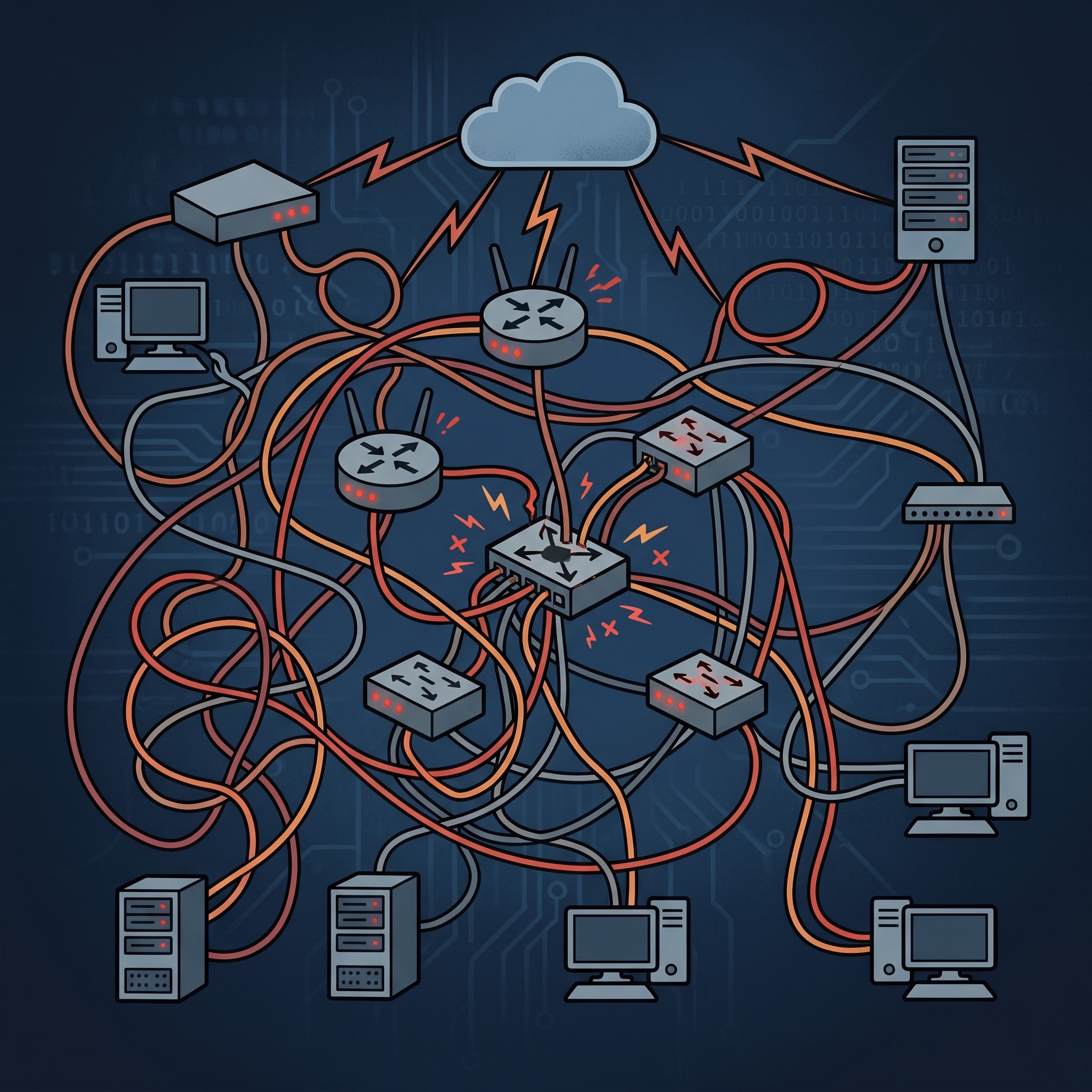
A weak or poorly planned network architecture can severely impact performance and scalability. As businesses grow, outdated network designs struggle to handle increased traffic, resulting in slow connectivity, bottlenecks, and frequent outages.
In many cases, networks are expanded reactively instead of being designed with long-term scalability in mind. This leads to fragmented systems that are difficult to manage and secure.
The solution is to design a scalable and modular network architecture from the beginning. Using segmentation, load balancing, and redundant pathways ensures better performance, reliability, and fault tolerance as the organization grows.
Over-Reliance on Legacy Systems
Legacy systems often remain in place because they “still work,” but they can become a major liability over time. These outdated systems are harder to maintain, incompatible with modern tools, and often lack essential security updates.
Organizations that rely heavily on legacy infrastructure face higher operational costs and increased risk of system failure or cyberattacks. Integration with cloud platforms or modern applications becomes extremely difficult.
To fix this, companies should gradually modernize their IT environment through phased migration strategies. Replacing or upgrading legacy systems ensures better performance, improved security, and long-term cost savings.
Ignoring IT Governance and Policy Enforcement
Even with strong infrastructure, poor governance can lead to chaos. Without clear IT policies, employees may use unauthorized tools, bypass security protocols, or follow inconsistent procedures.
This lack of governance creates operational inefficiencies and increases compliance risks, especially for industries that handle sensitive data or must follow strict regulations.
Strong IT governance ensures that all technology decisions follow a structured framework aligned with business goals. Enforcing clear policies, approval workflows, and compliance standards helps maintain control and consistency across the entire IT environment.
Not Investing in Scalability Planning for Future Growth
Many organizations design their IT infrastructure only for current needs, ignoring future growth. As a result, systems that work today become overloaded as the business expands, leading to performance issues and costly emergency upgrades.
Scalability should be a core part of infrastructure planning from the beginning. Without it, businesses constantly struggle to catch up with increasing demand.
Cloud-based solutions, modular architecture, and flexible resource allocation help ensure that IT systems can grow alongside the business without disruption. Planning ahead reduces long-term costs and improves operational stability.
FAQ: IT Infrastructure Management Mistakes
1. What is IT infrastructure management?
IT infrastructure management is the process of overseeing and maintaining all core technology components in an organization, including hardware, software, networks, data storage, and security systems, to ensure smooth and reliable operations.
2. Why is IT infrastructure management important for businesses?
It helps ensure system stability, reduces downtime, improves security, supports business growth, and keeps all technology systems aligned with organizational goals.
3. What are the most common IT infrastructure management mistakes?
Common mistakes include poor documentation, skipping software updates, lack of capacity planning, weak security practices, untested backups, reactive monitoring, and ignoring the human factor.
4. Why is documentation so important in IT infrastructure management?
Documentation ensures that systems, configurations, and processes are clearly recorded. Without it, troubleshooting becomes slow, onboarding new staff is difficult, and knowledge is lost when employees leave.
5. What happens if organizations skip software updates and patches?
Skipping updates exposes systems to security vulnerabilities, making them easy targets for cyberattacks such as ransomware and data breaches.
6. How does poor capacity planning affect IT systems?
Without proper planning, systems can become overloaded, leading to slow performance, downtime, and expensive emergency upgrades when demand suddenly increases.
7. Why is IT infrastructure security so critical?
Weak security can lead to data breaches, financial loss, reputational damage, and compliance violations. A single attack can severely disrupt business operations.
8. What is the importance of backups and disaster recovery testing?
Backups protect data from loss due to hardware failure, cyberattacks, or human error. Regular testing ensures that data can actually be restored when needed.
9. Why is proactive monitoring better than reactive IT management?
Proactive monitoring detects issues early before they become major problems, reducing downtime and preventing costly system failures.
10. How does the human factor impact IT infrastructure management?
Human errors, lack of training, and unauthorized tool usage (shadow IT) can create security risks and system instability, even if the technology itself is strong.
Building infrastructure that lasts
The common thread running through all seven mistakes is the same: short-term convenience traded for long-term pain. Skipping documentation, delaying patches, ignoring capacity, cutting security corners—each feels harmless in the moment and costly in hindsight.
Strong IT infrastructure management isn’t about chasing the latest gadget or the flashiest dashboard. It’s about discipline, consistency, and a willingness to do the unglamorous work before problems force your hand. The organizations that get this right spend less time firefighting and more time moving forward.